 DX
DX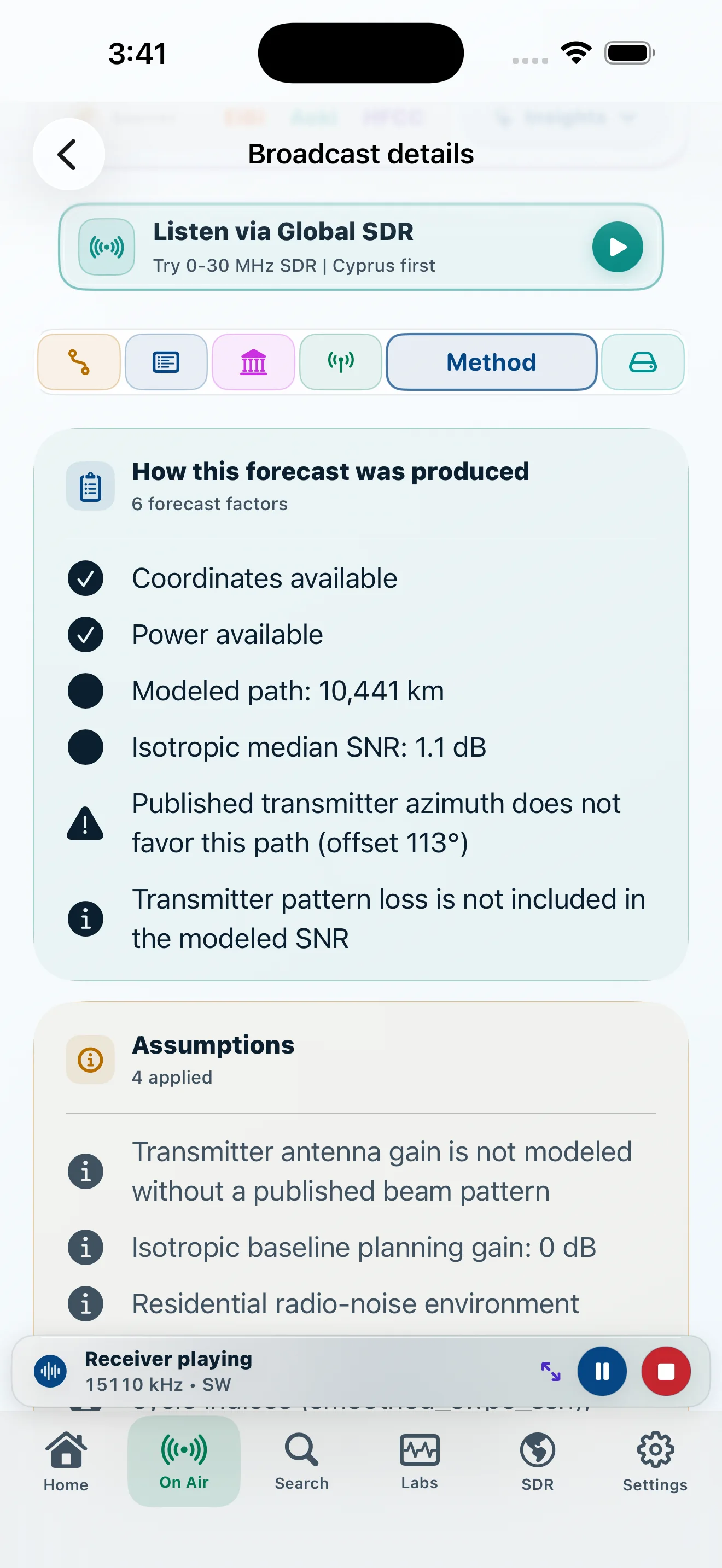
Method
See modeled path, SNR, distance, and published transmitter data.
DXLens turns shortwave schedules into a focused listening workflow: reconcile the sources, understand the path, inspect the forecast, and move to a compatible global receiver.

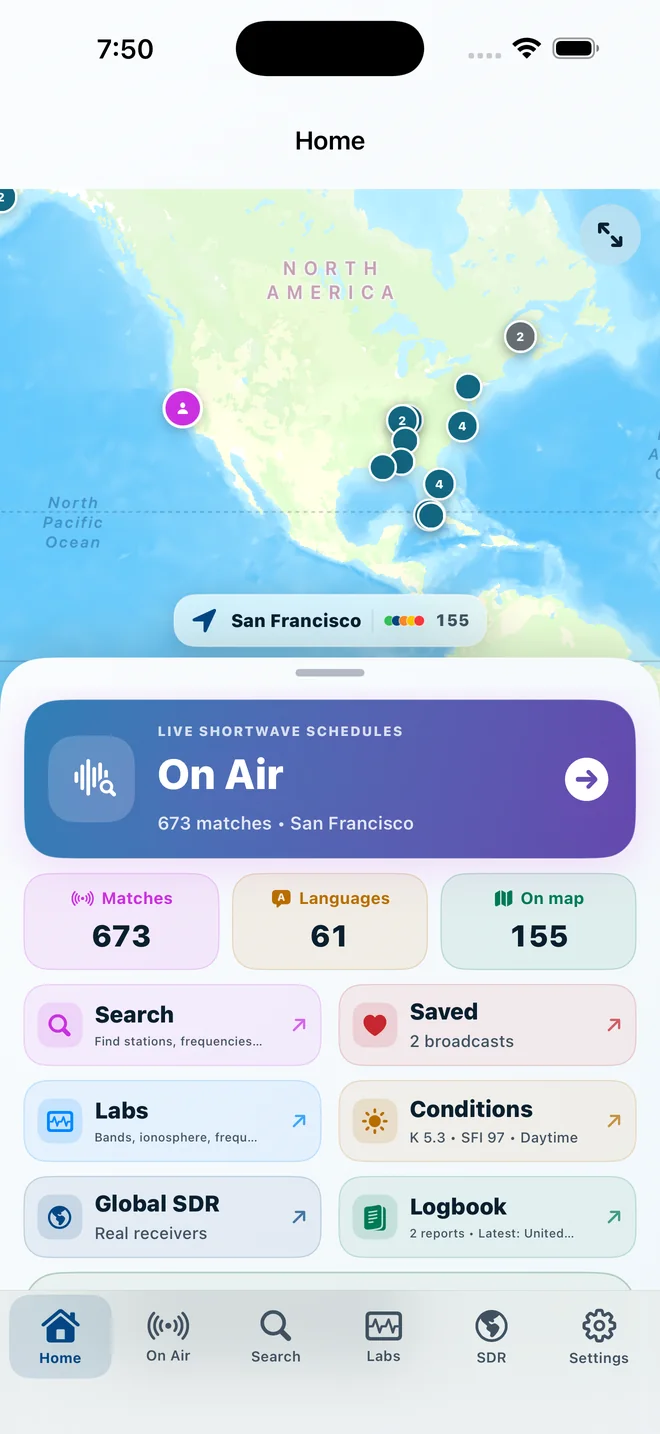
Each stage answers a different question. DXLens keeps the published facts, modeled context, and receiver session visibly distinct.
Read EiBi, Aoki, and HFCC together without hiding the source evidence.
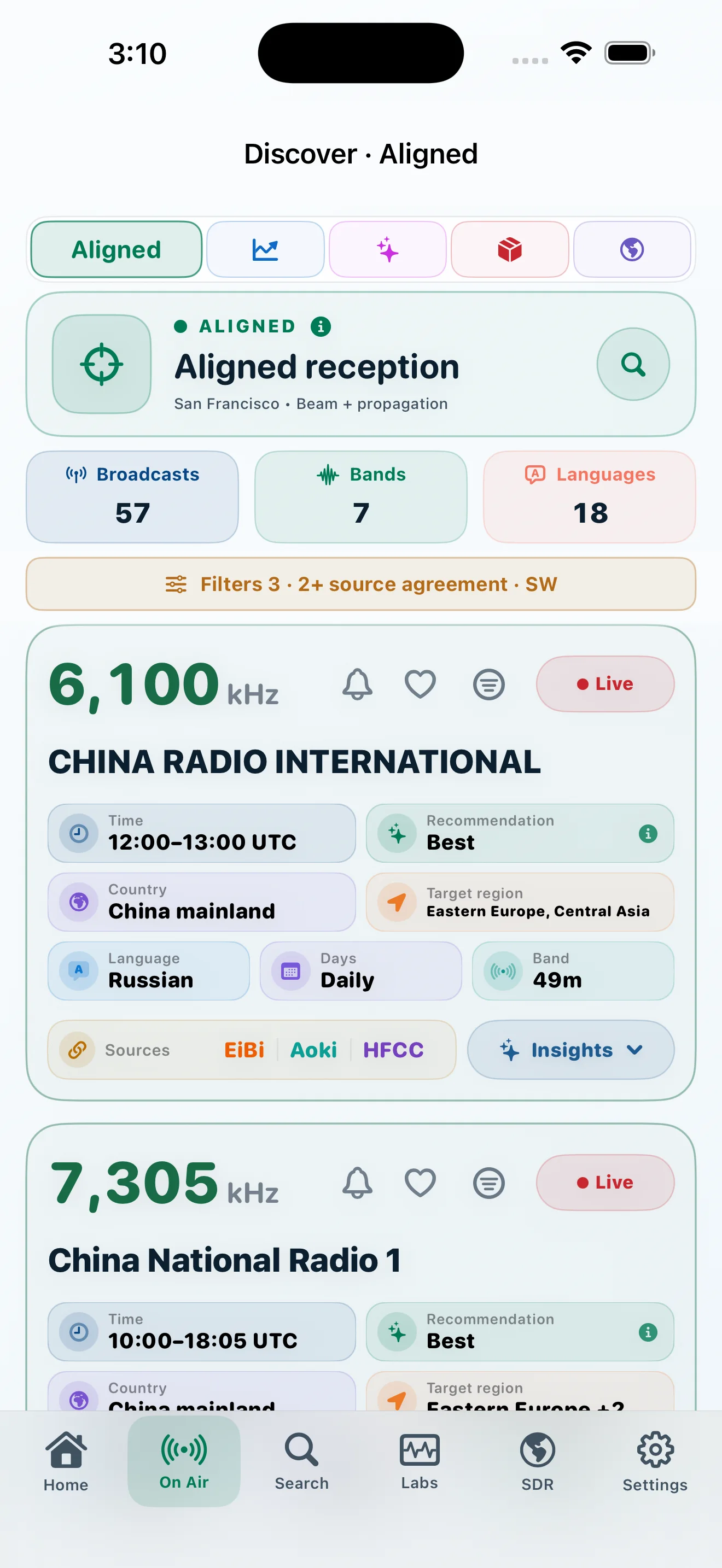
Explore →02Use Merged, Aligned, Outlook, Chances, or build a Custom workflow.
Explore →03Open path geometry, forecast factors, model assumptions, and space weather.
Explore →04Use a compatible public KiwiSDR or a saved personal RTL-TCP receiver, then tune in a focused listening workspace.
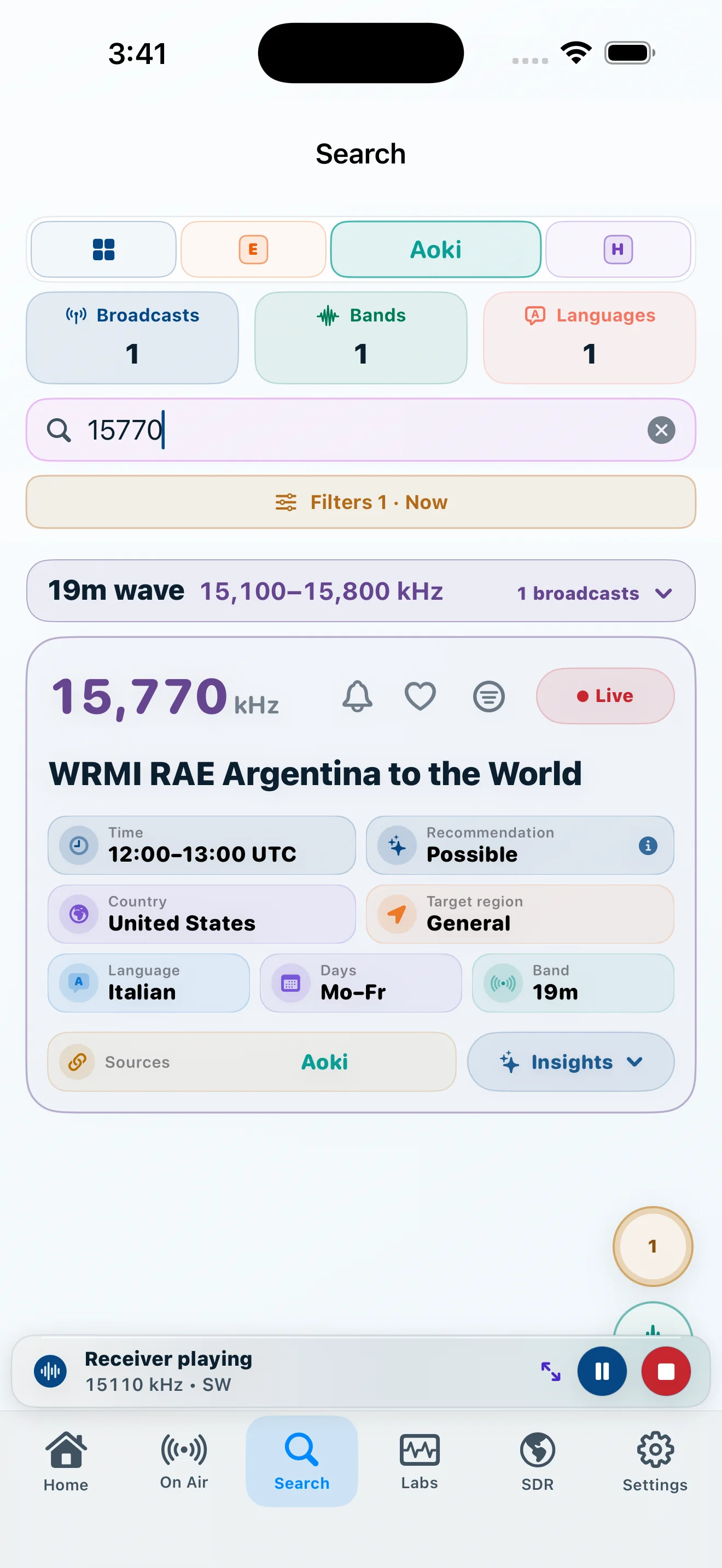
Explore →Search is a direct route into the schedule, not a decorative field. Results retain the same source labels, timing, and listening actions used throughout DXLens.
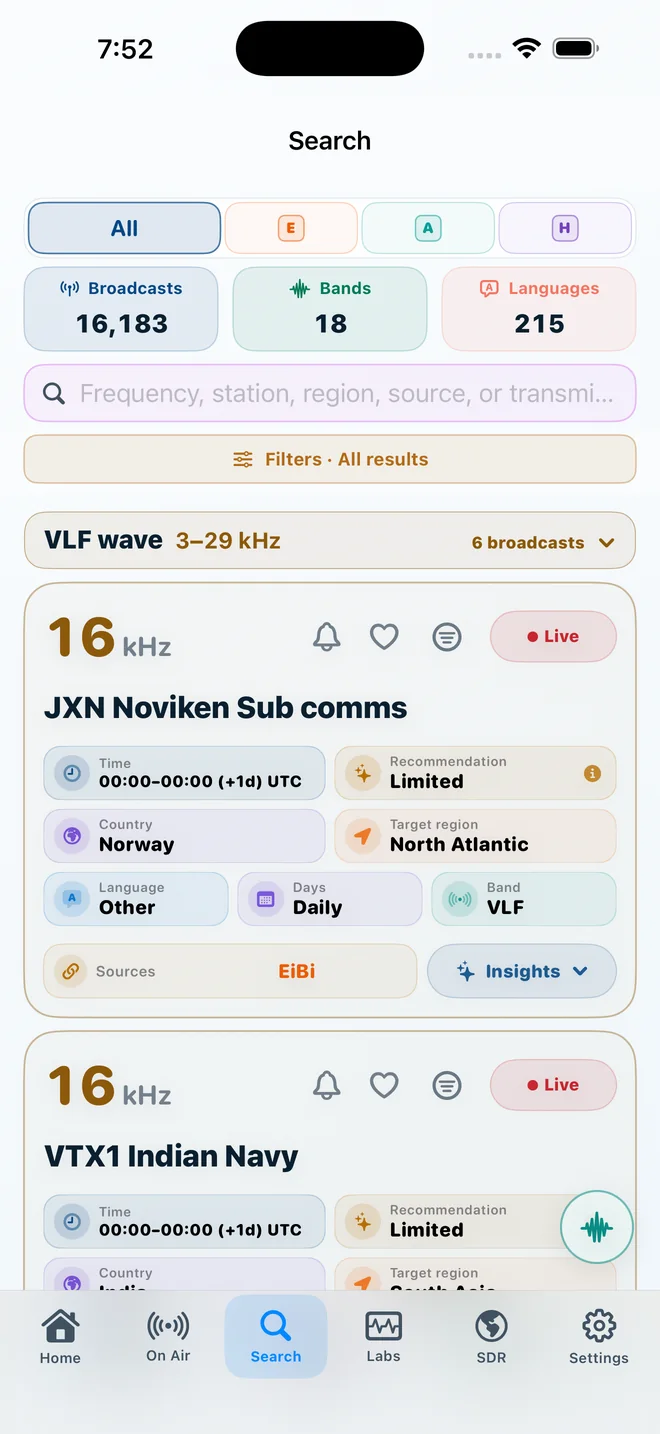
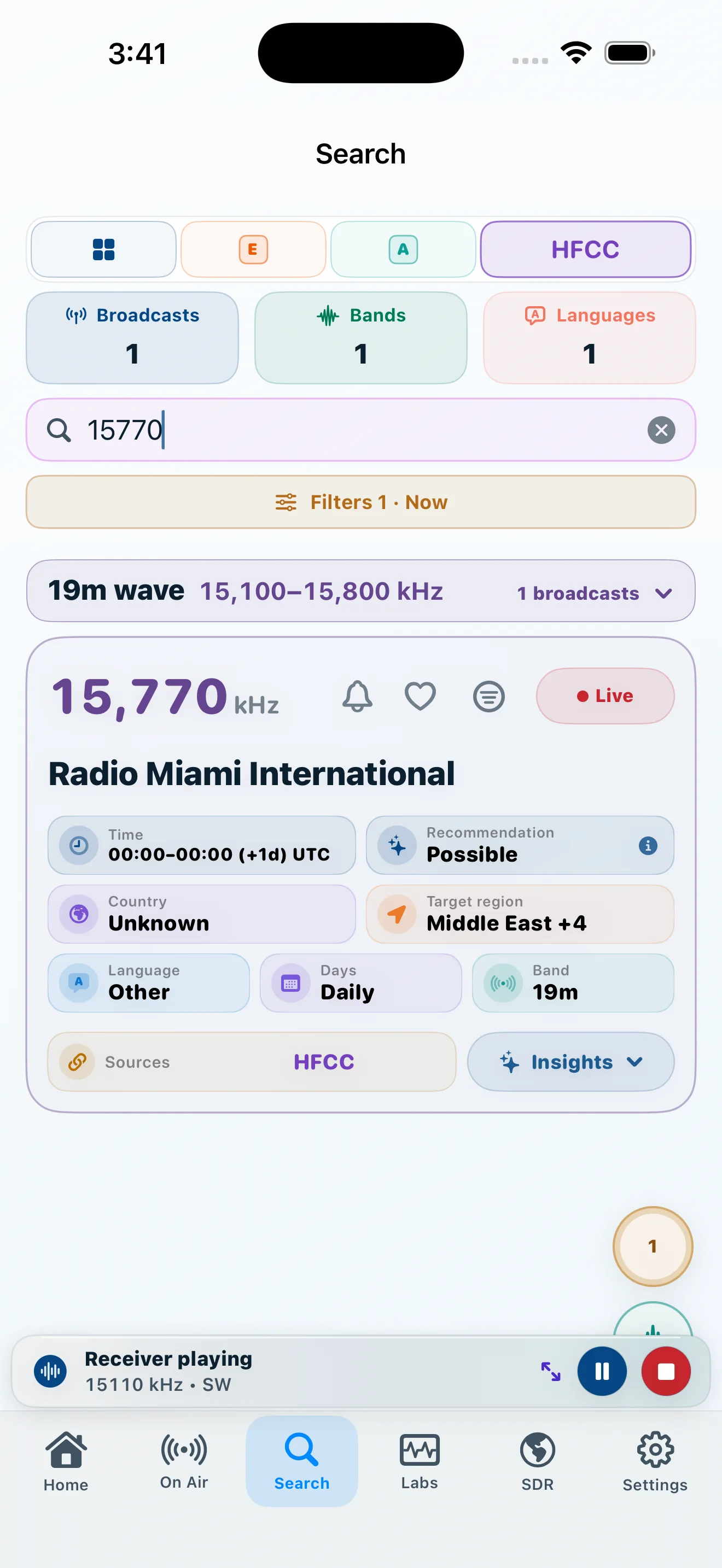
DXLens reconciles EiBi, Aoki, and HFCC while leaving their names on the record. Agreement is useful evidence; a conflict is something to inspect, not something to hide.
See every source and its role →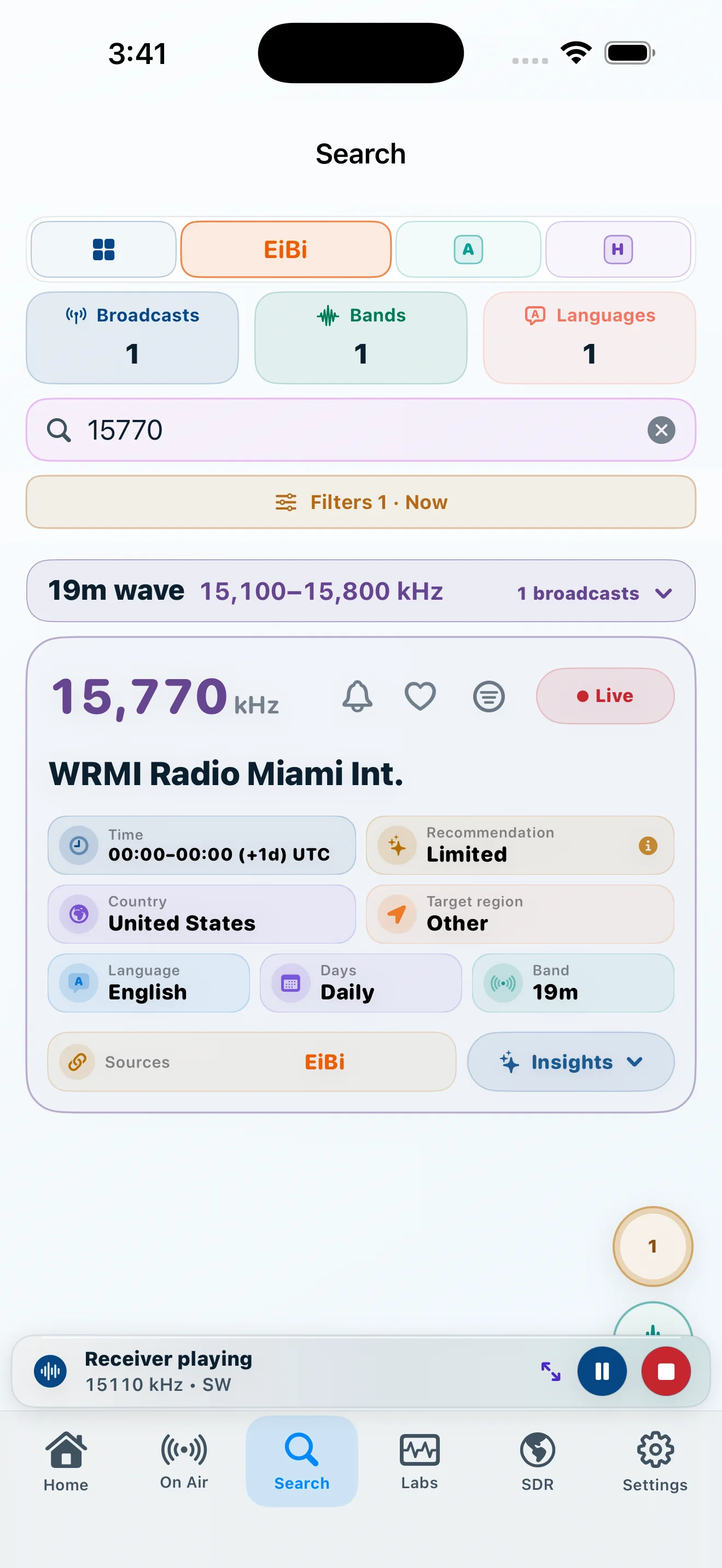
Stop forcing every listening decision through one list.
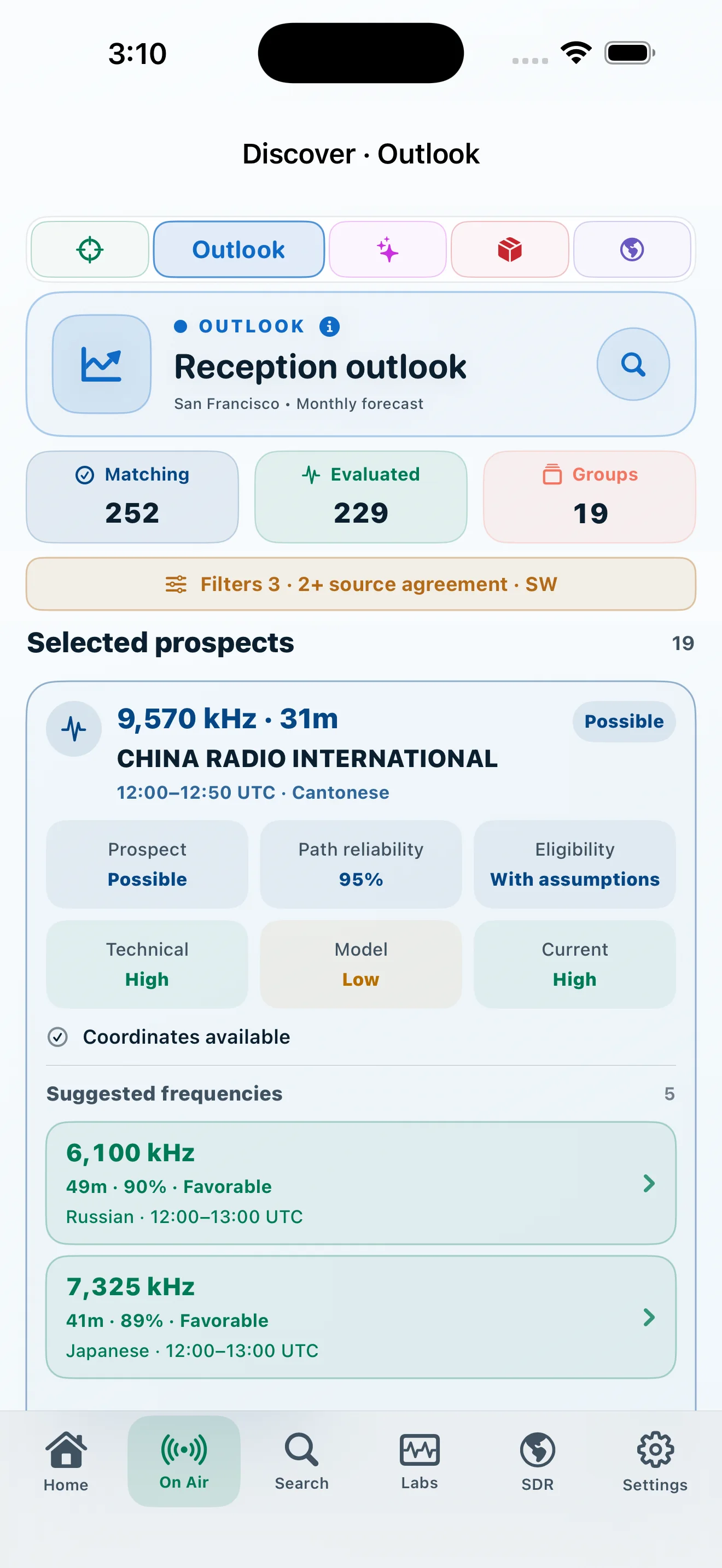
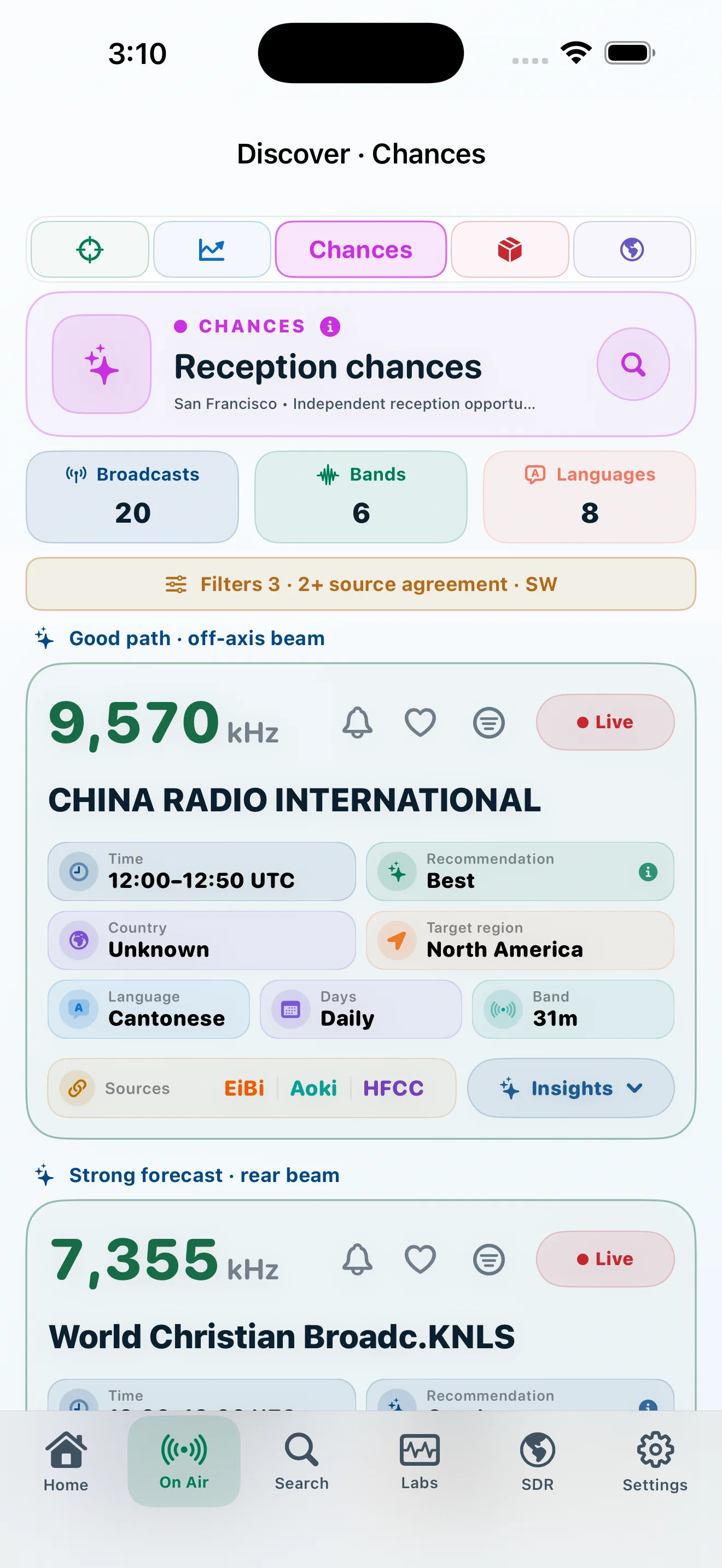
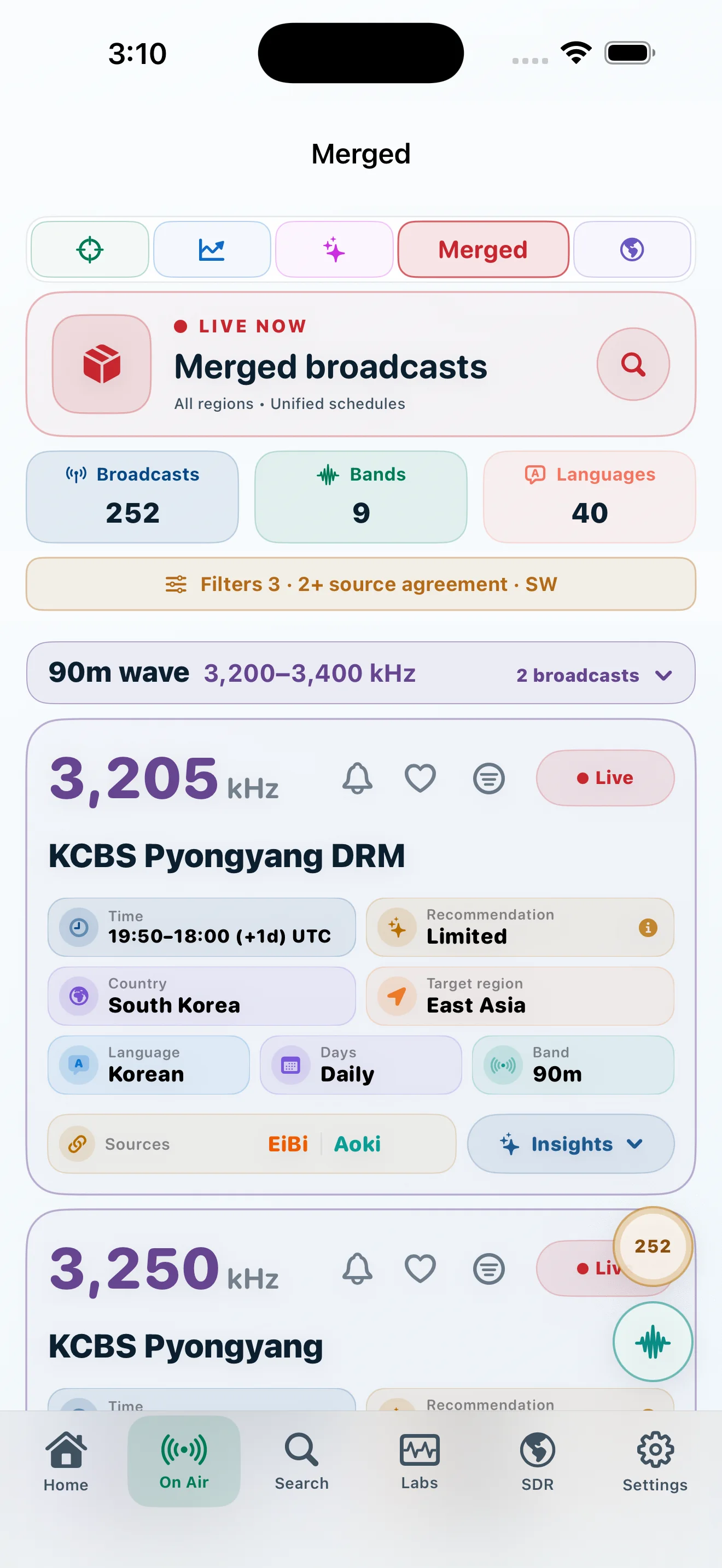
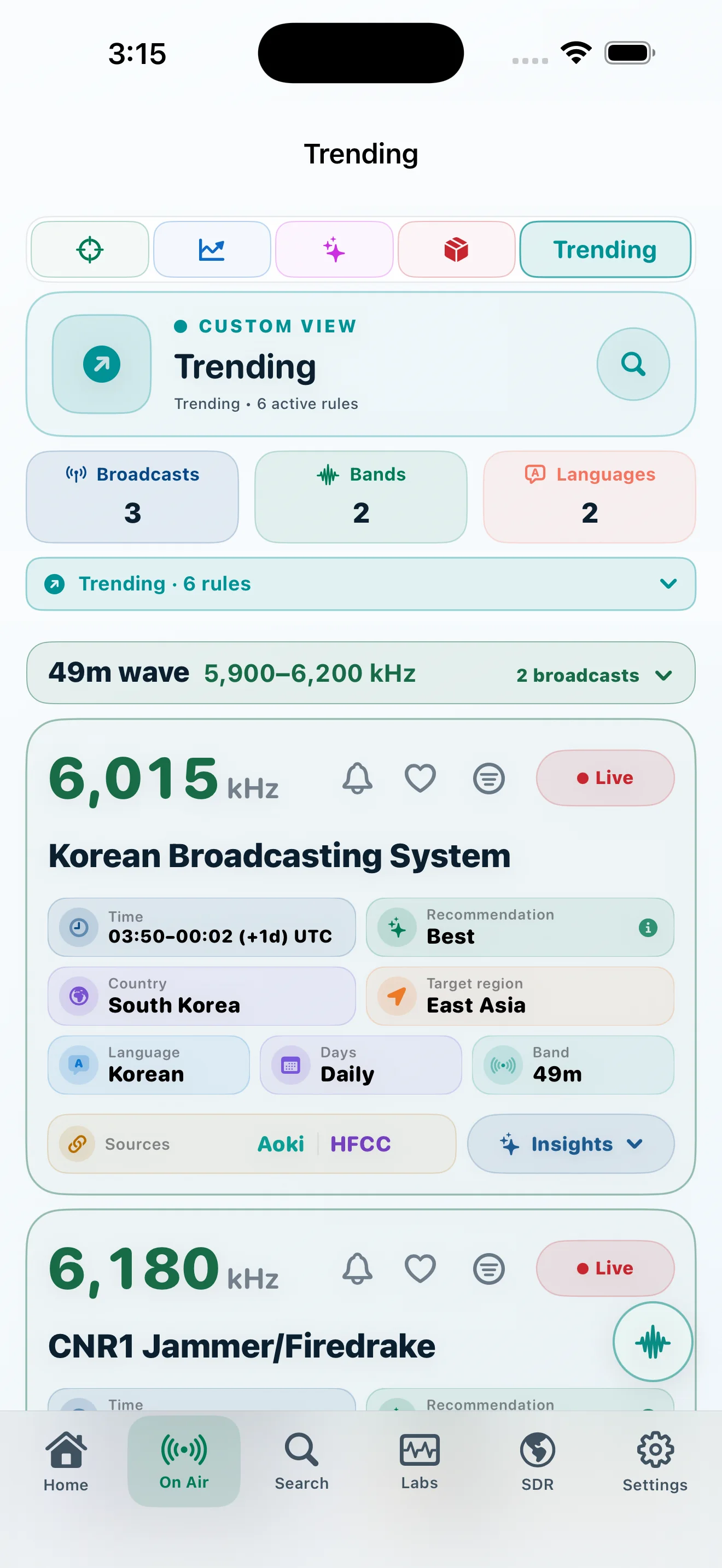
A schedule card opens into a transparent listening workspace: verify what is published, see where it is aimed, inspect the forecast method, and understand the assumptions before tuning.
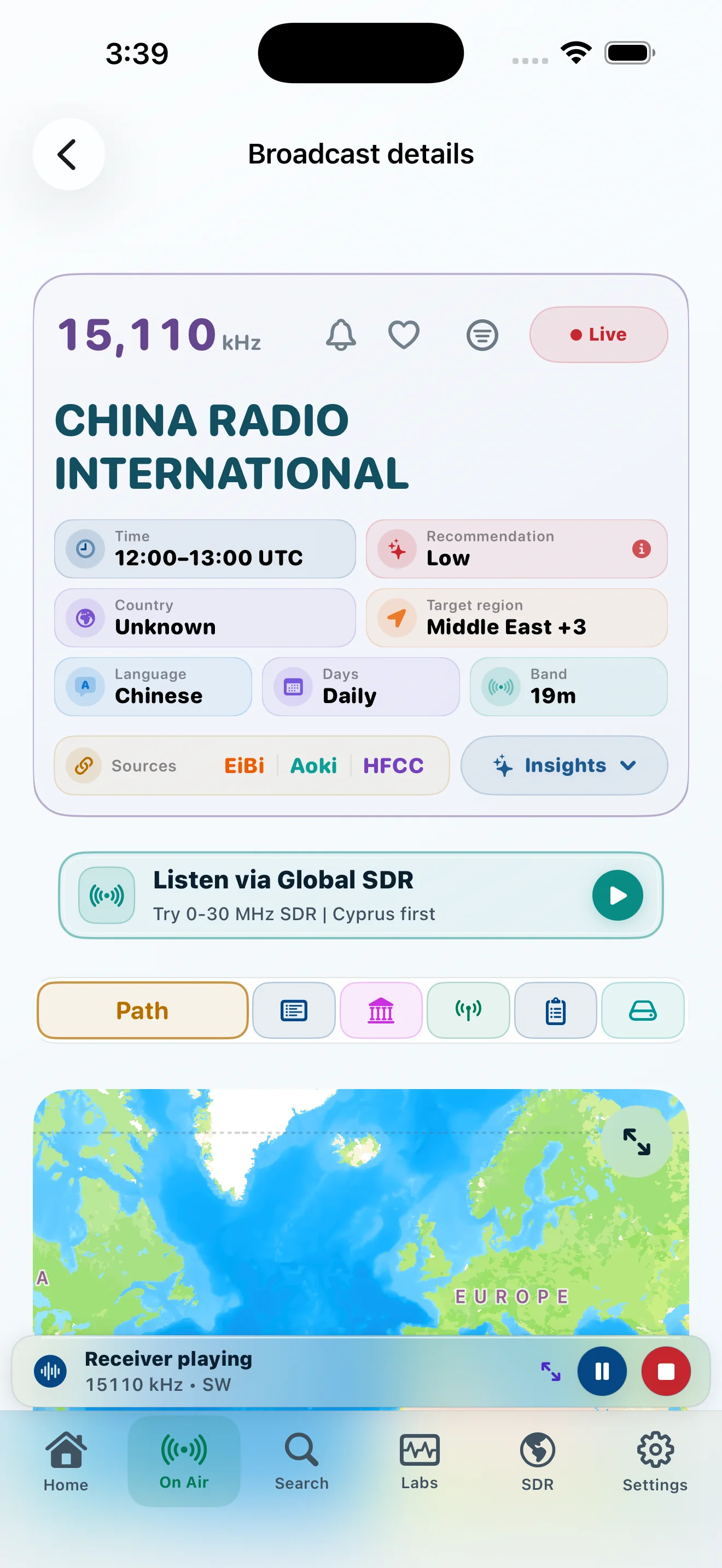
Forecast outputs, source comparison, assumptions, and technical confidence remain separate so the listener can understand what supports—or limits—the result.
See modeled path, SNR, distance, and published transmitter data.
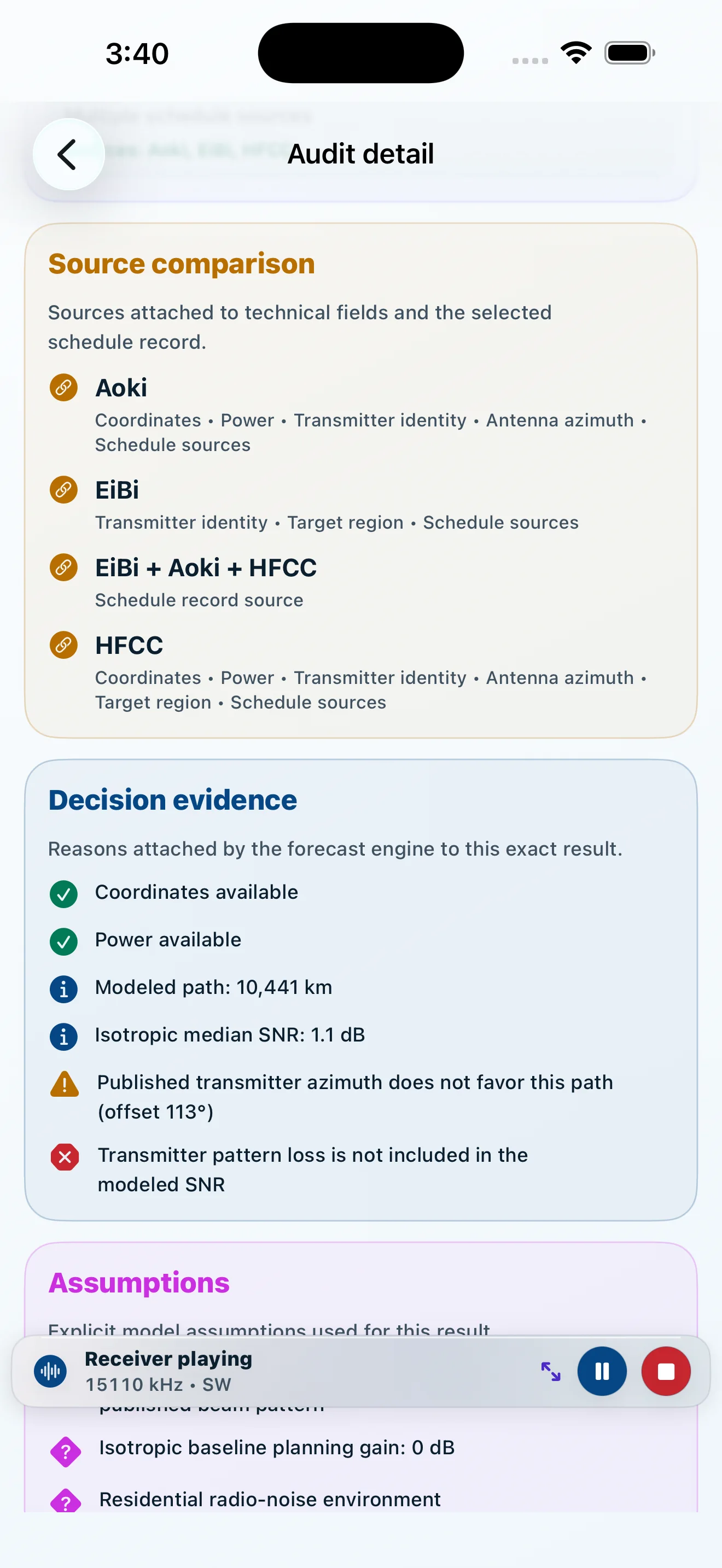
Compare schedule and technical evidence without silent averaging.
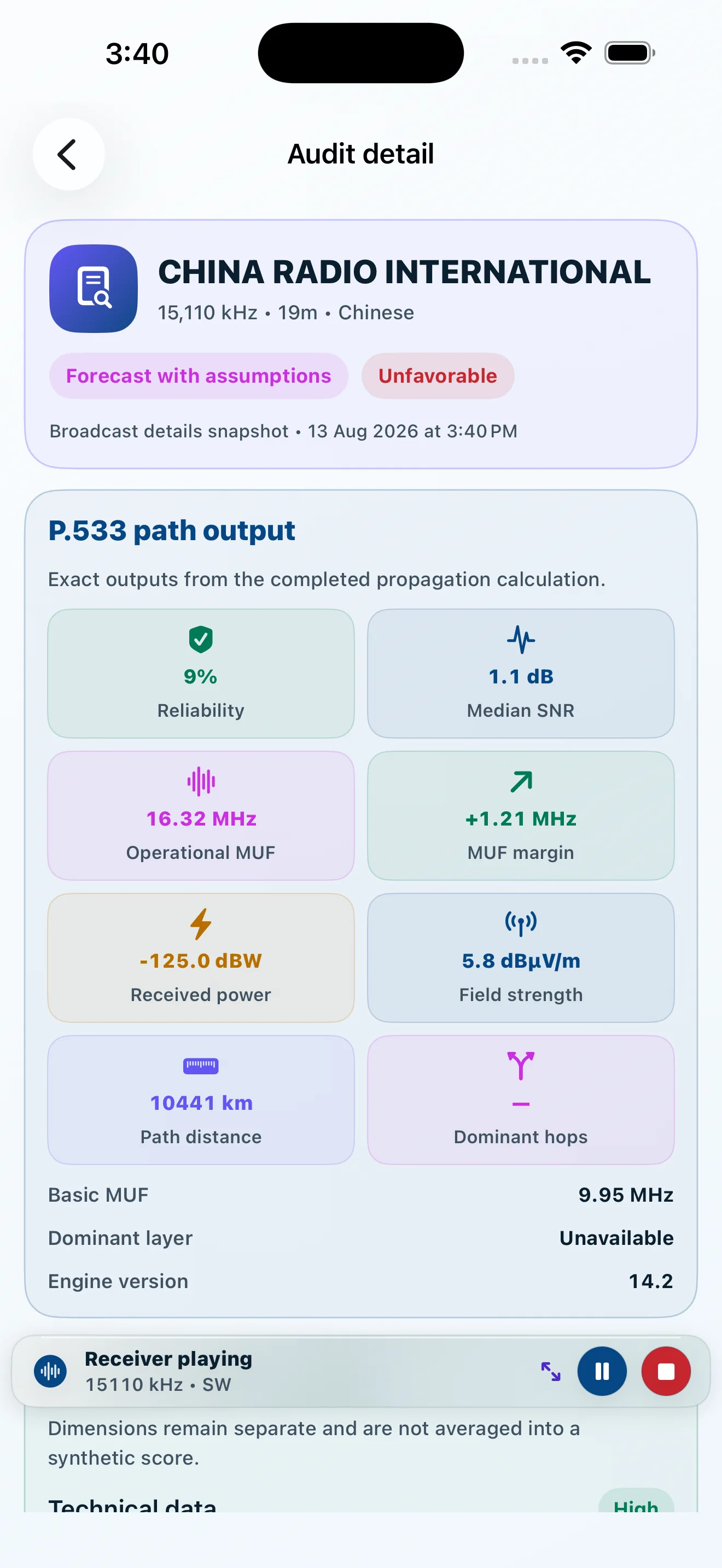
Keep confidence dimensions, assumptions, and path outputs inspectable.
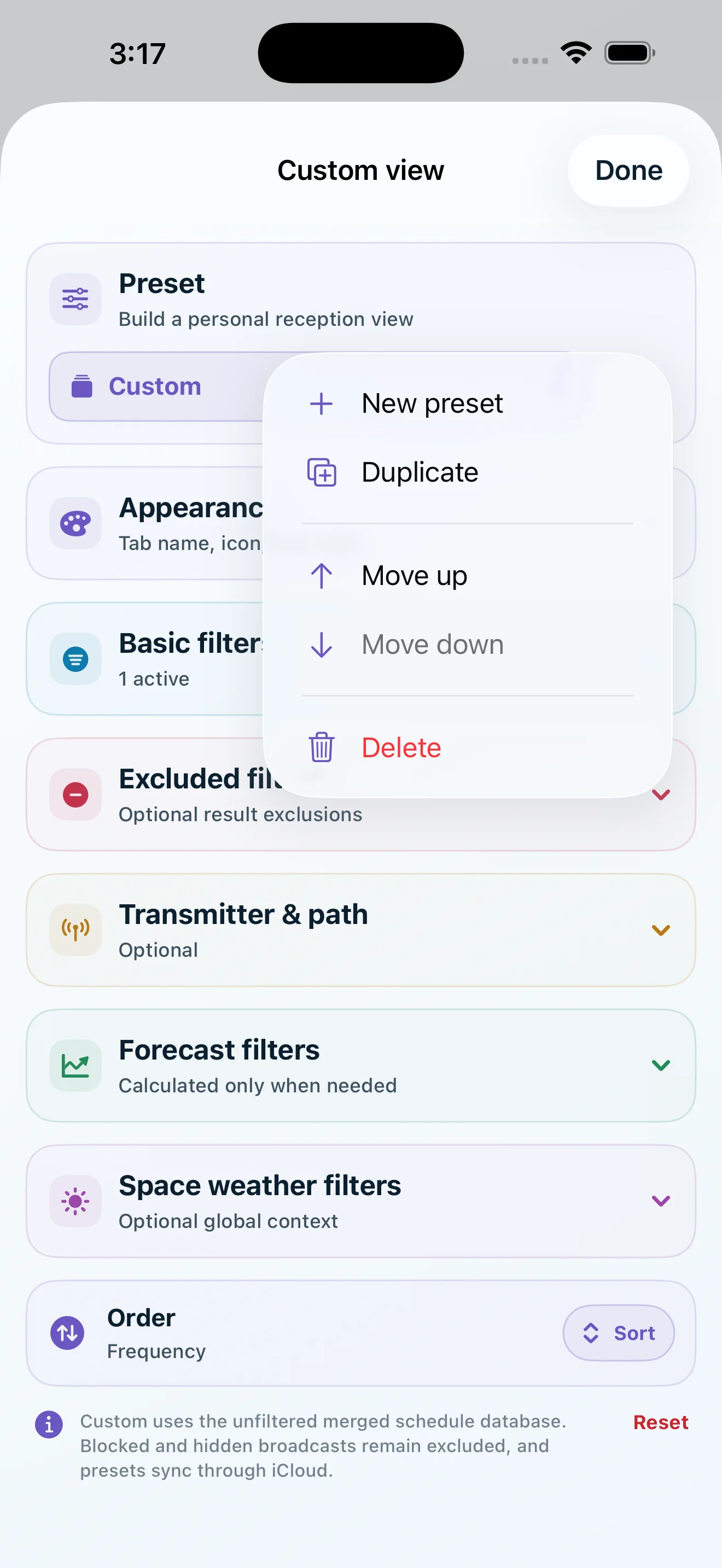
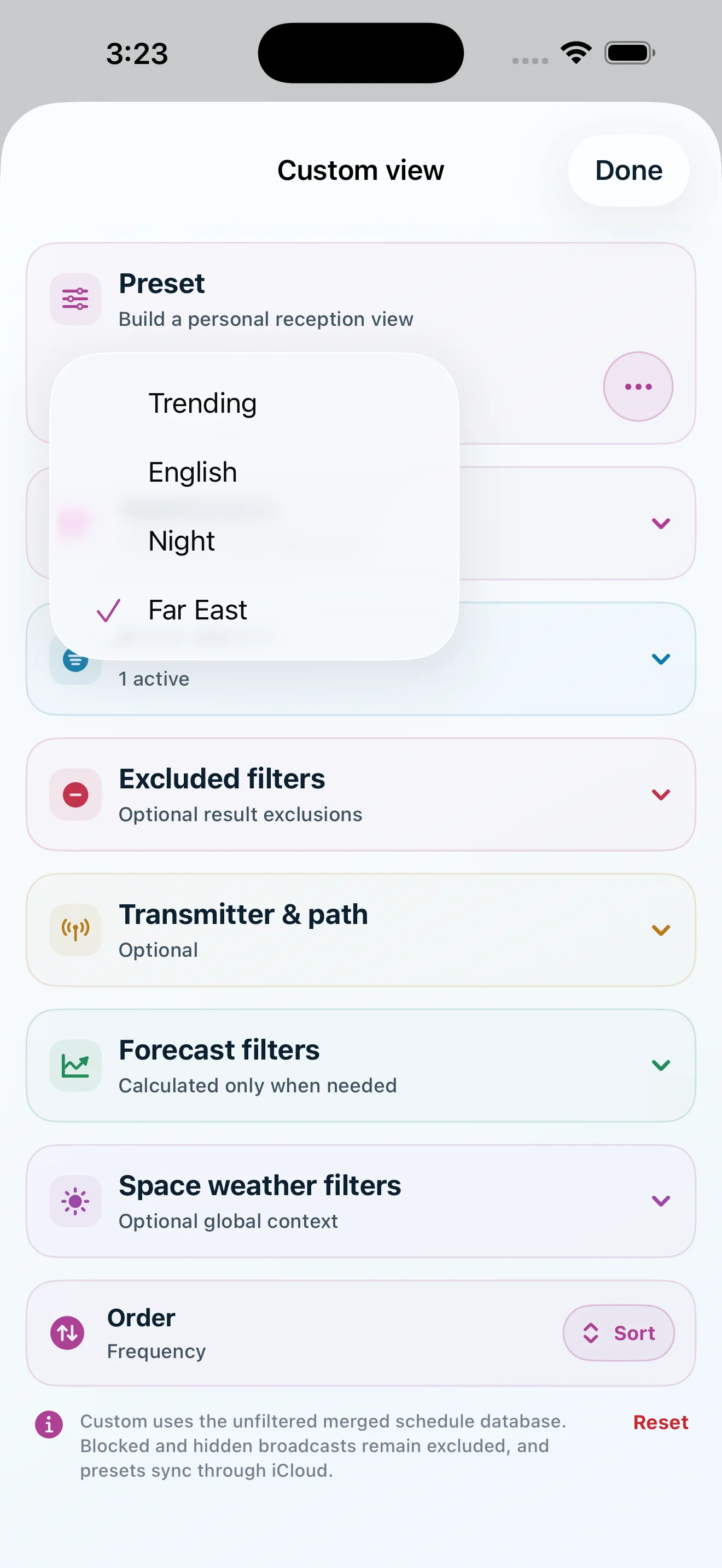
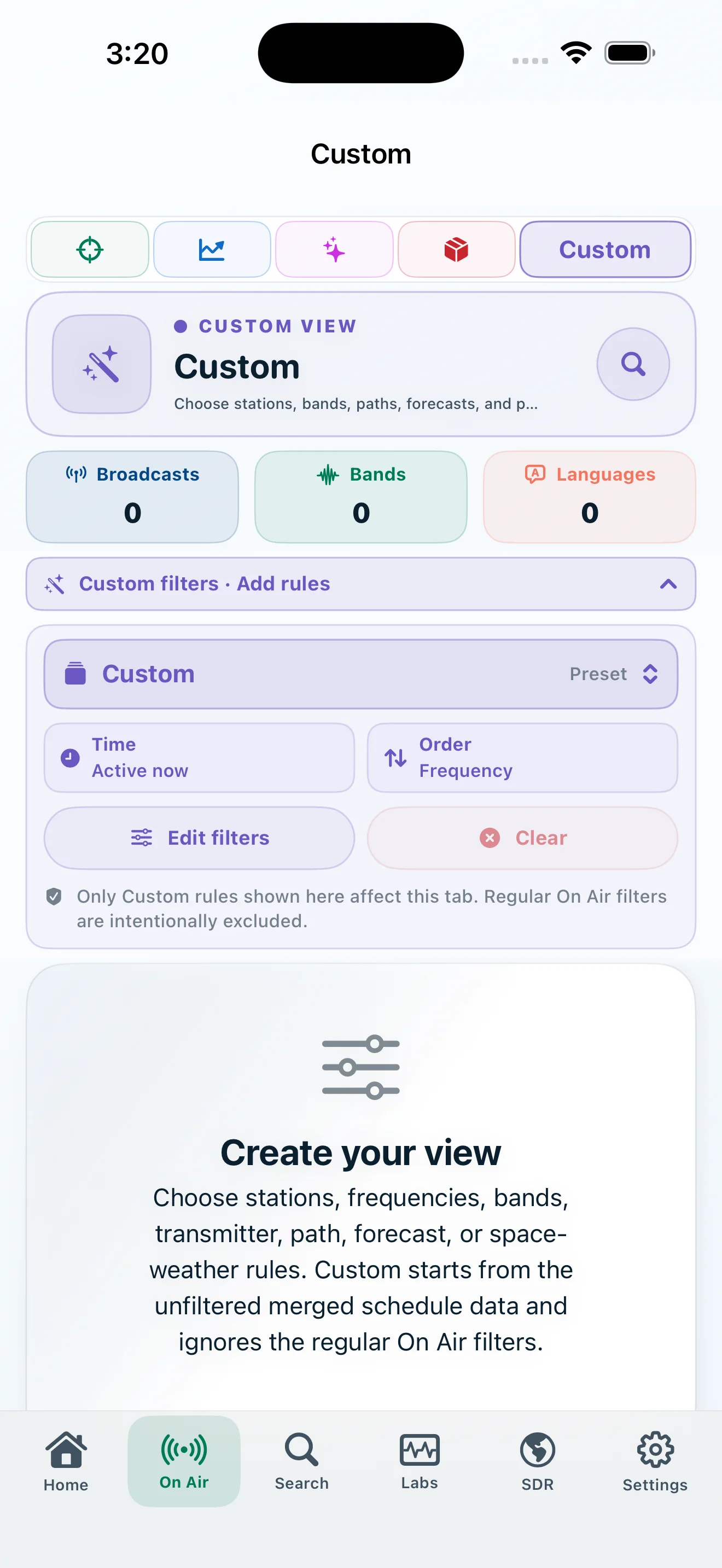
A Custom view is not a temporary filter. It is a reusable destination with its own identity and rules, available beside the primary On Air views.
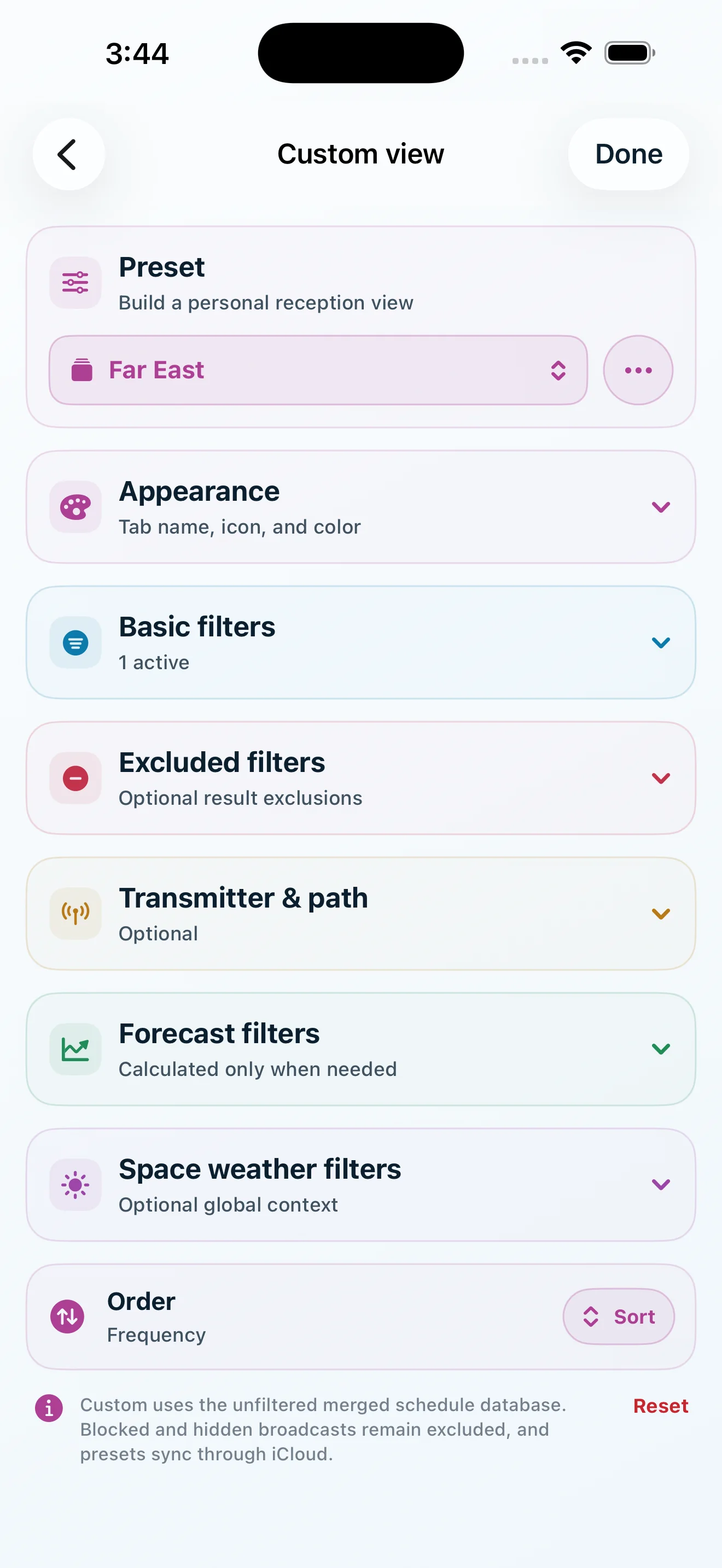
Build around languages, bands, transmitters, distance, beam geometry, modeled reliability, space weather, exclusions, and ordering—then duplicate or rearrange the result.
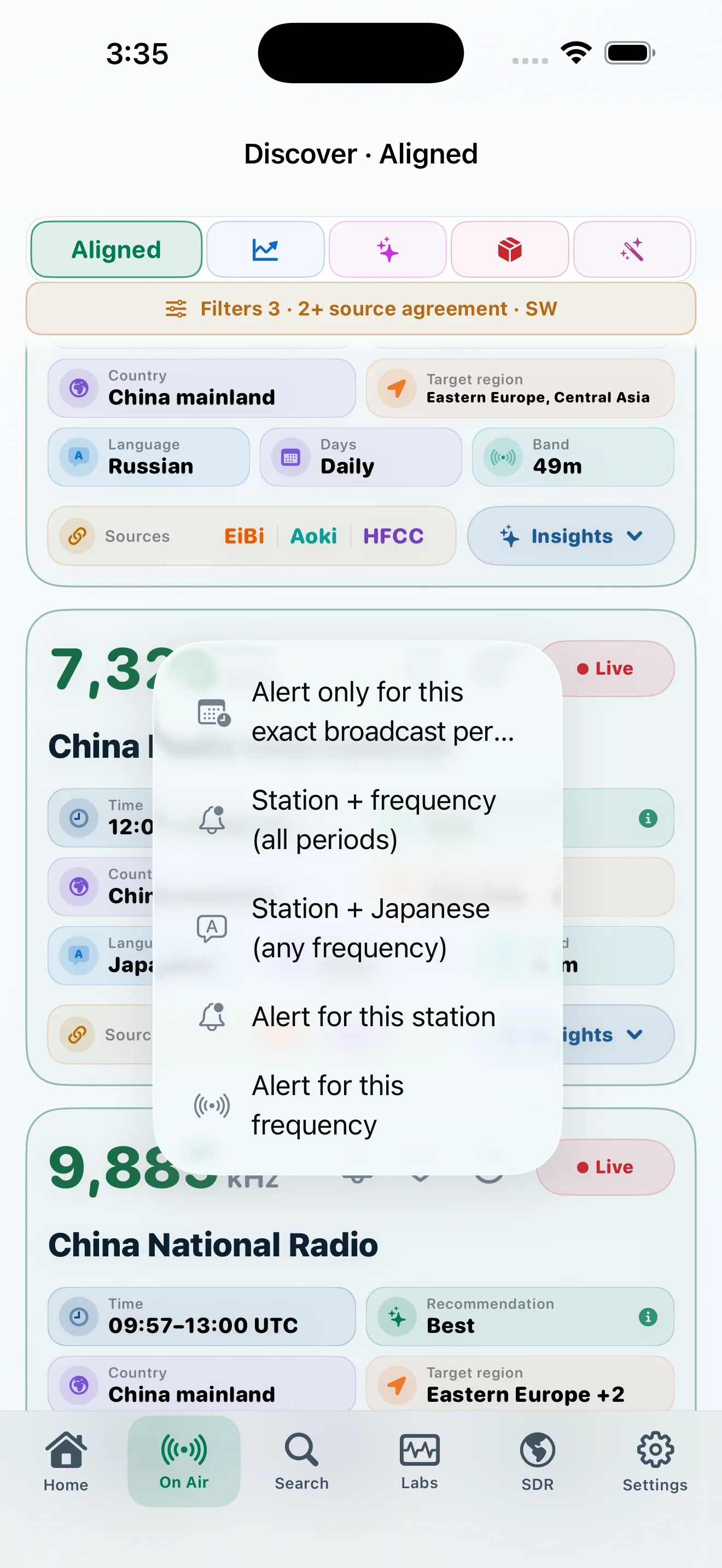
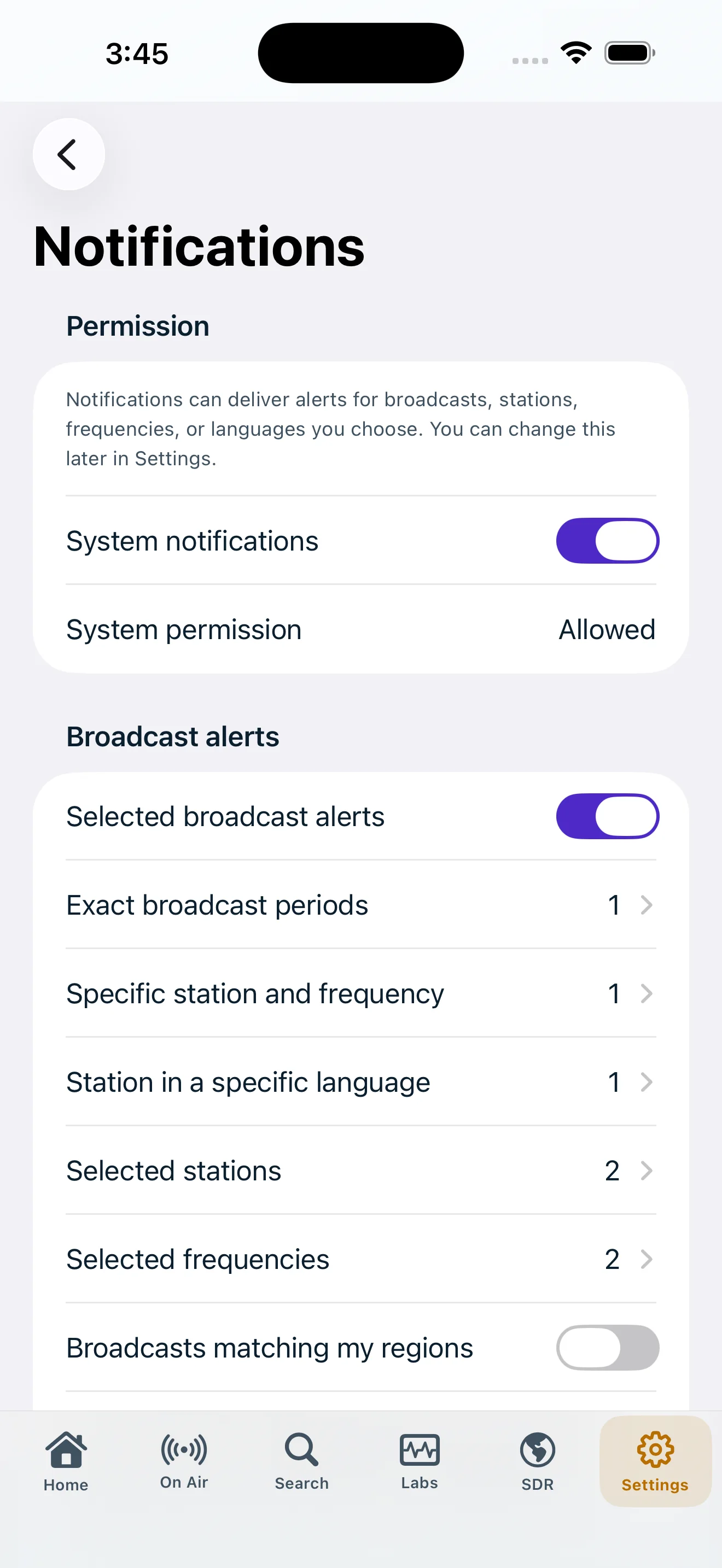
Create alerts for an exact broadcast period, a station across periods, a station and frequency, or a frequency itself. Regional and space-weather conditions remain independently controlled.
Five laboratories keep schedule activity, ionospheric evidence, RF environment, reception paths, and model auditing distinct but connected.
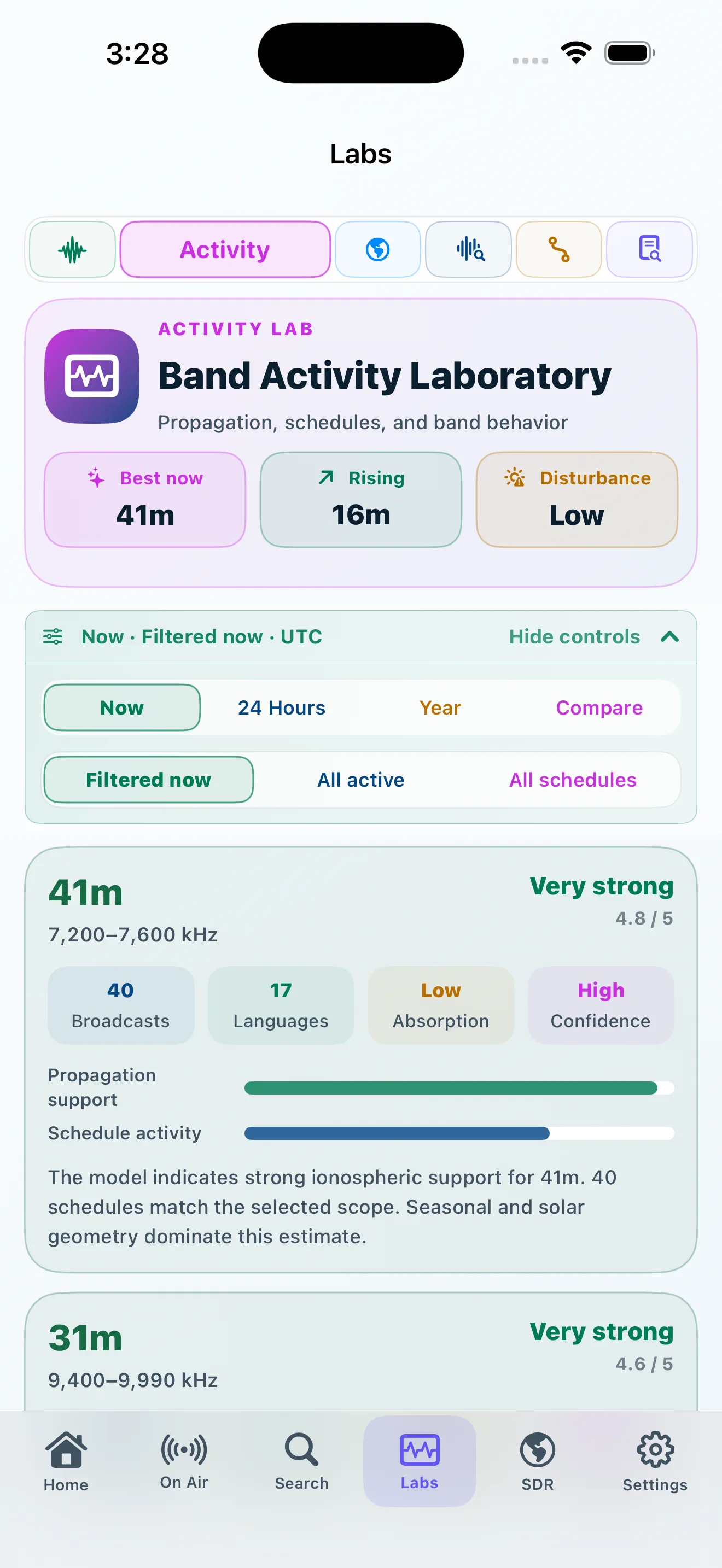
Compare active schedules by band, time scope, season, and selected bands without describing schedule density as measured signal strength.
02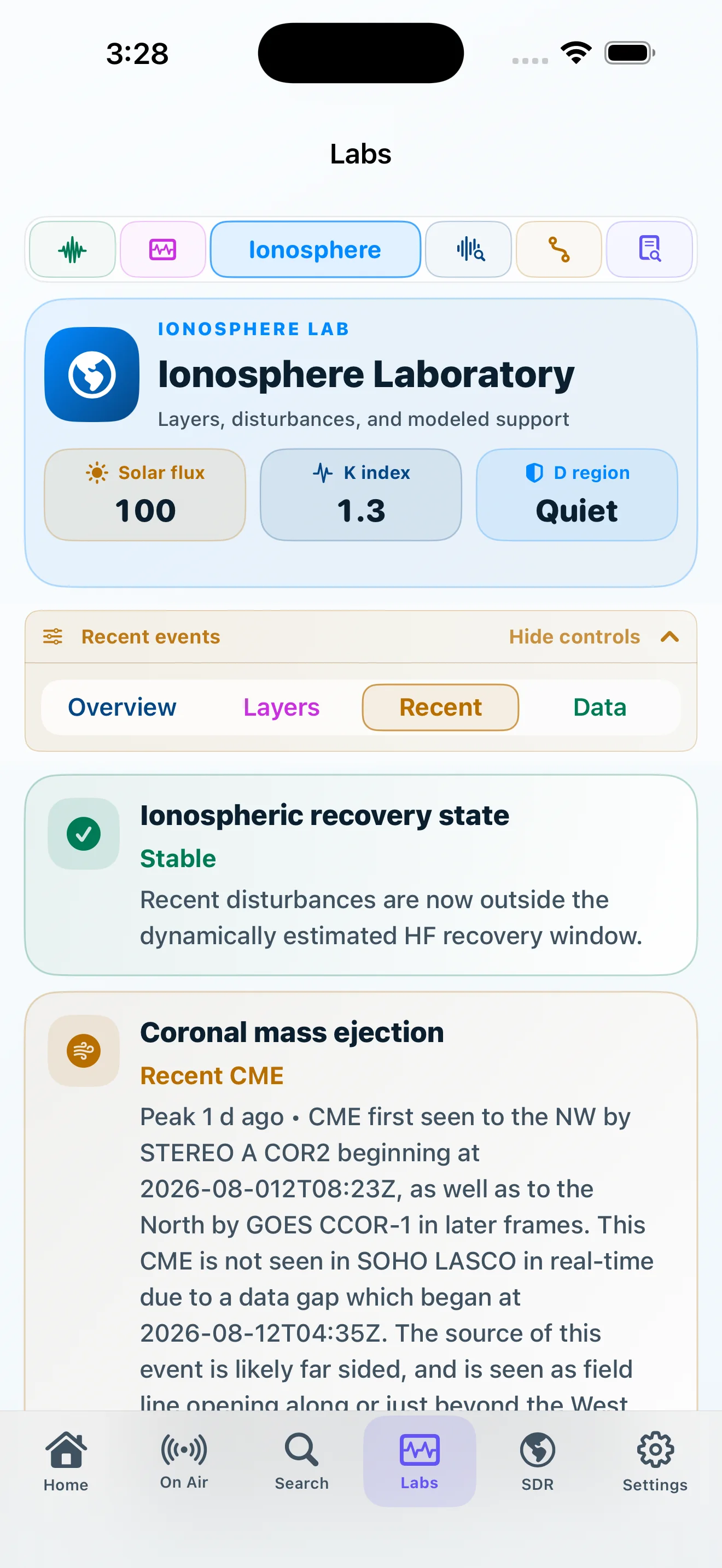
Read layered ionospheric support, recent space-weather events, recovery context, and NASA/NOAA evidence quality.
03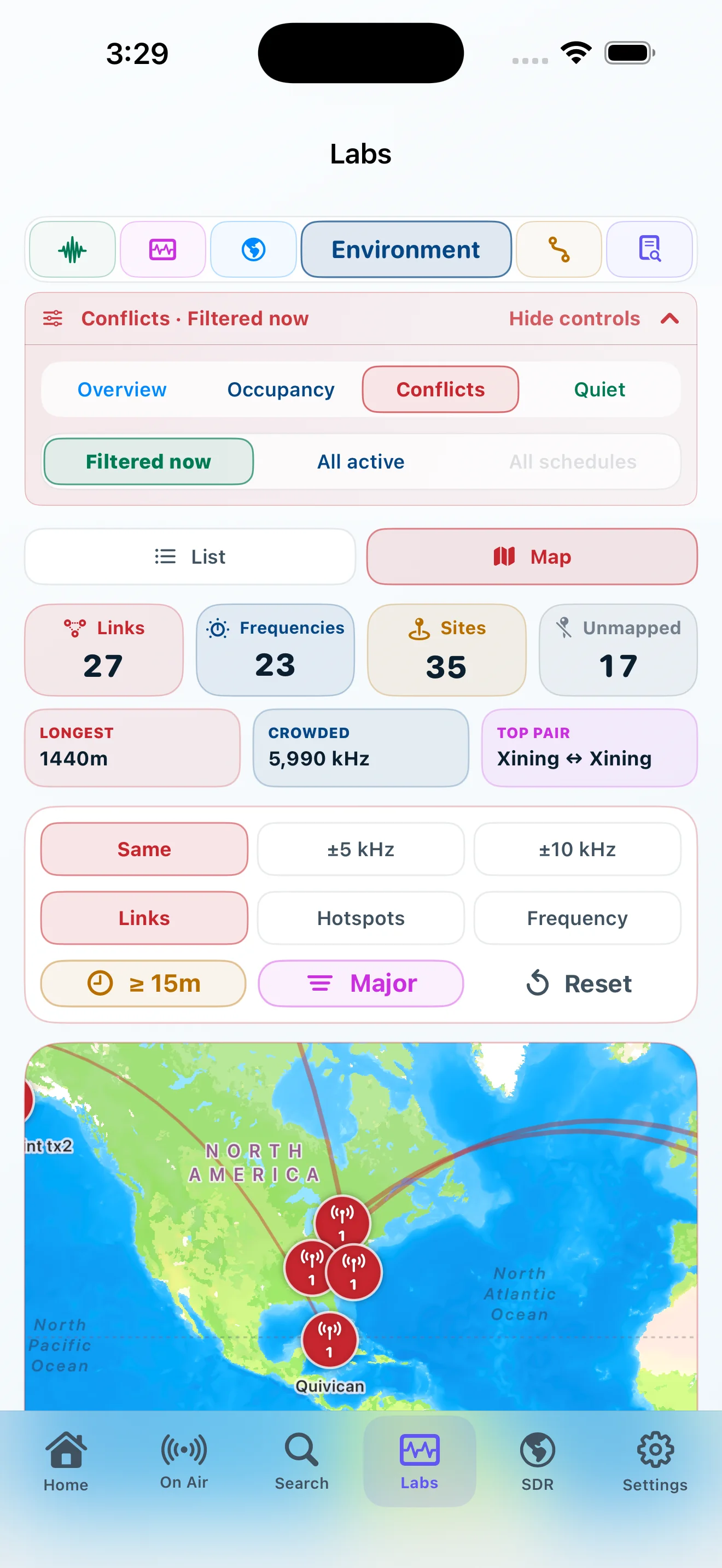
Inspect scheduled occupancy, shared frequencies, conflicts, quiet windows, and mapped environmental context.
04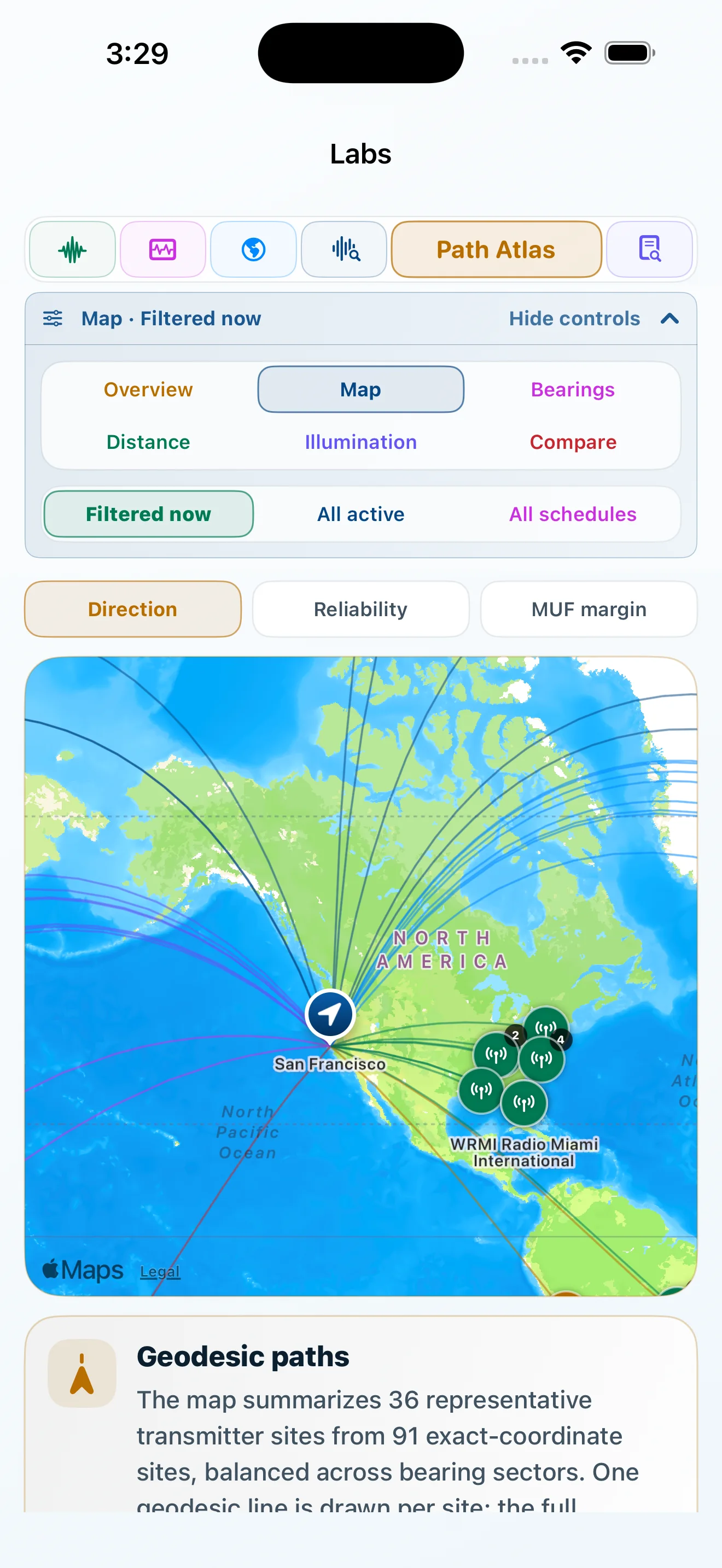
Explore direction, distance, illumination, modeled reliability, bearings, and side-by-side paths.
05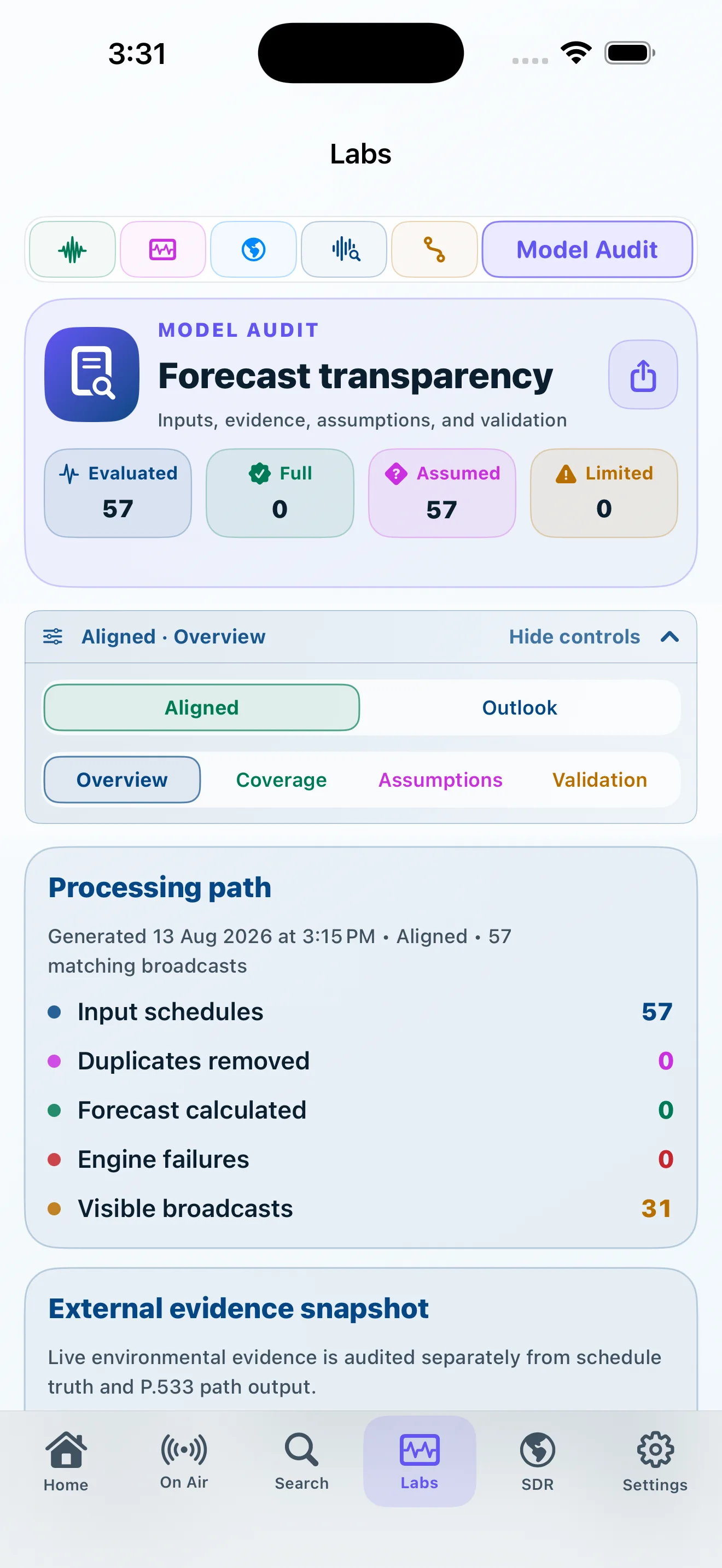
Follow inputs, coverage, assumptions, validation, external evidence, and the explicit boundary of the model.
Recent solar activity, geomagnetic conditions, absorption context, recovery state, evidence age, and operational boundaries are labeled separately. NASA events provide context; NOAA observations remain authoritative for current conditions.
Understand the space-weather evidence →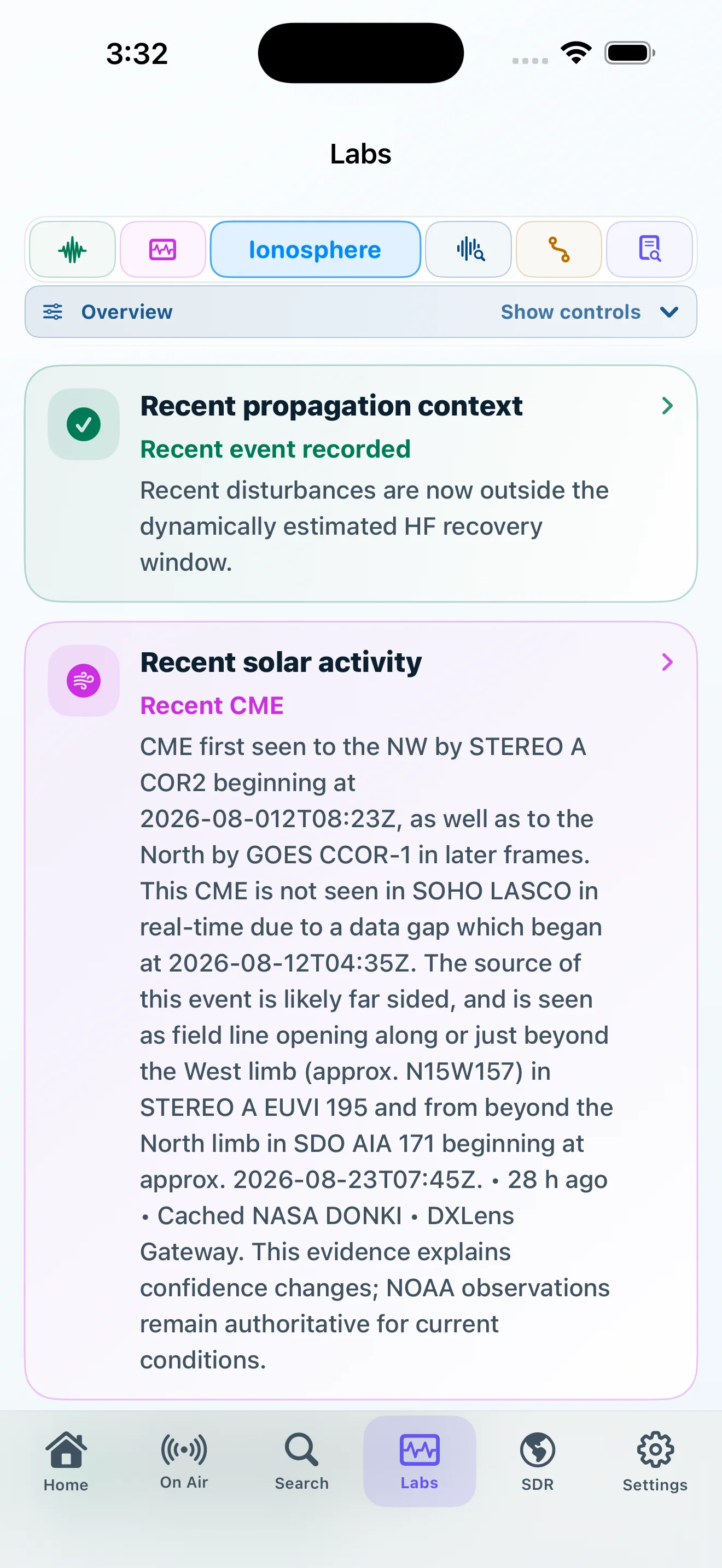
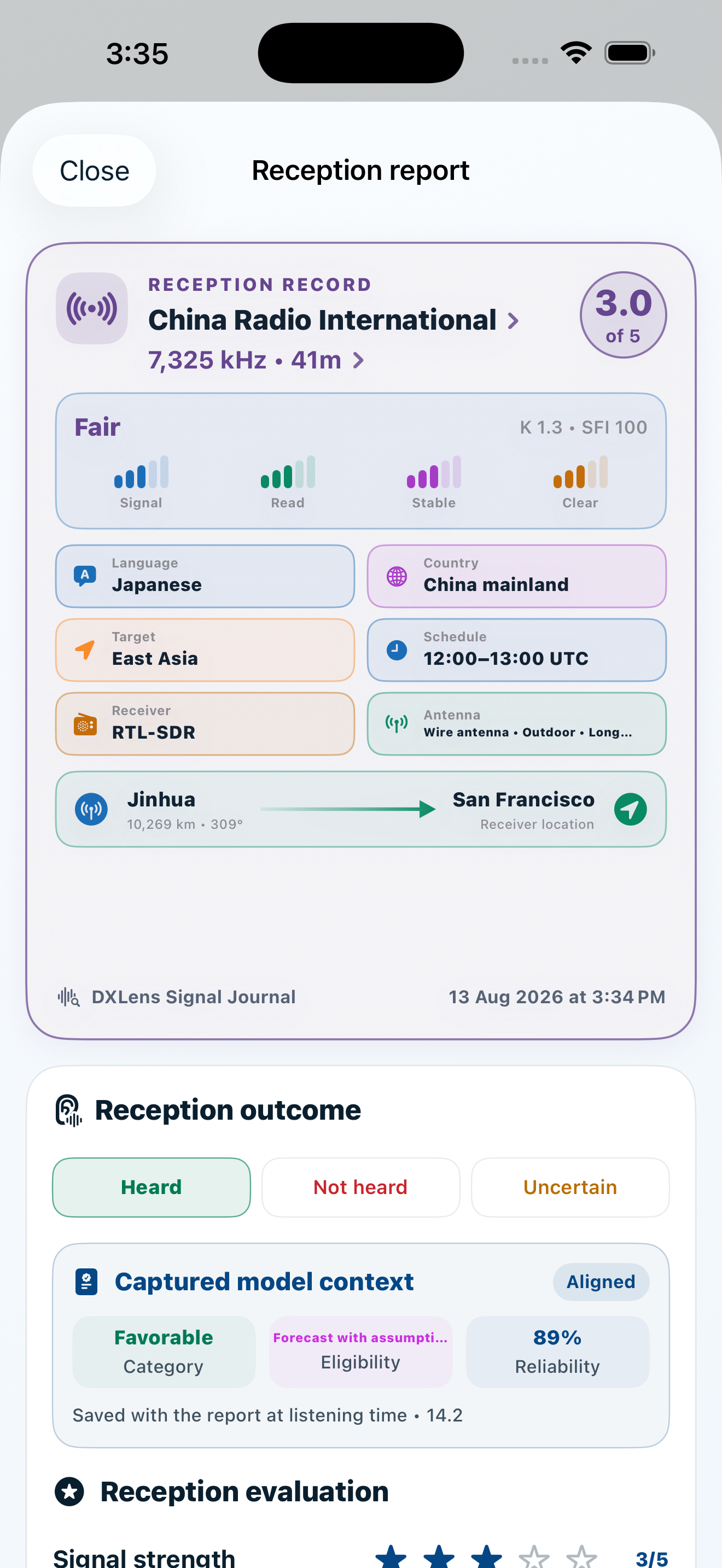
A forecast describes a prospect. The reception report records what actually happened, together with receiver, antenna, ratings, notes, and the model context captured at listening time.
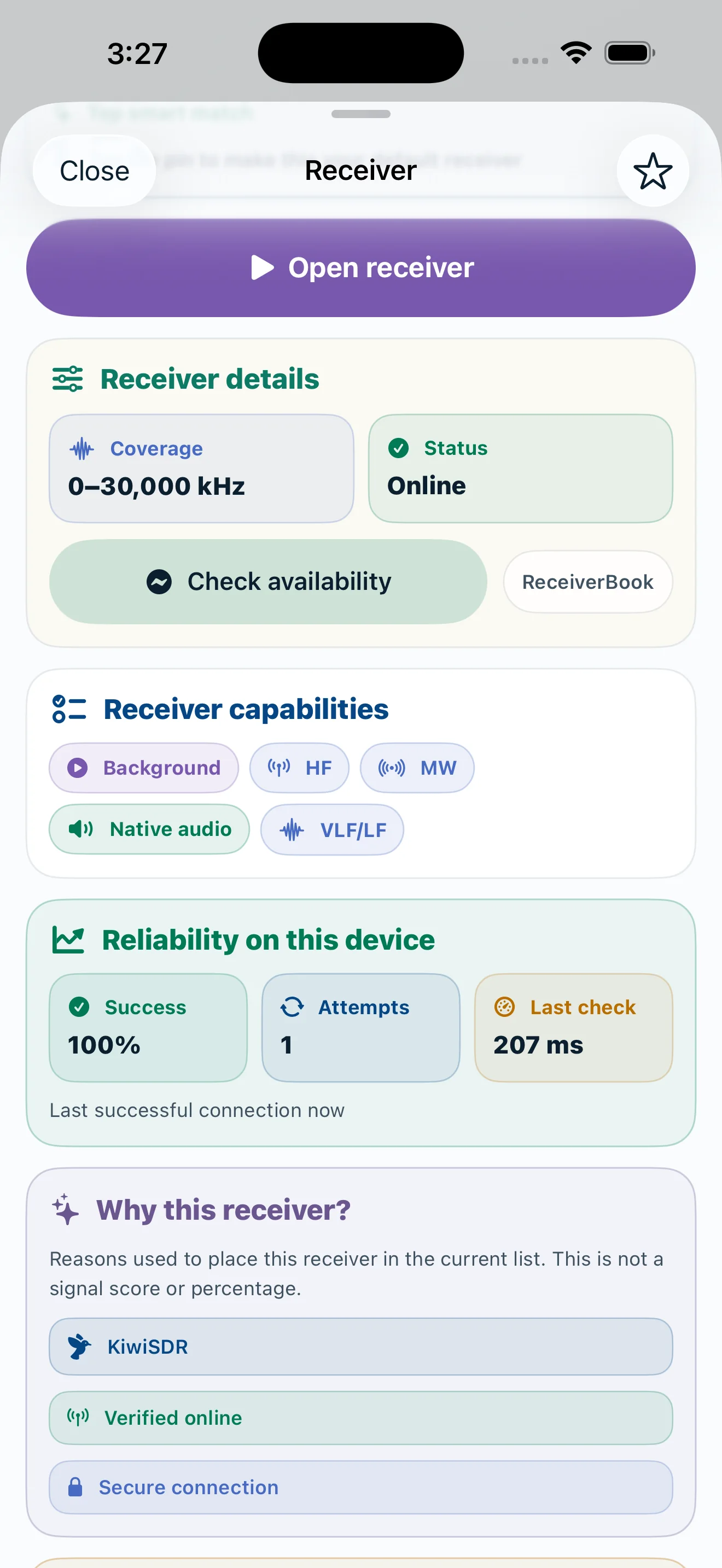
For public KiwiSDR, DXLens checks frequency coverage, availability, load, connection quality, distance, and reliability. Personal RTL-TCP uses the host, HF profile, and performance settings you saved on your device.
The broadcast, receiver, signal, tuning controls, recordings, and connection state remain inside one coherent session.
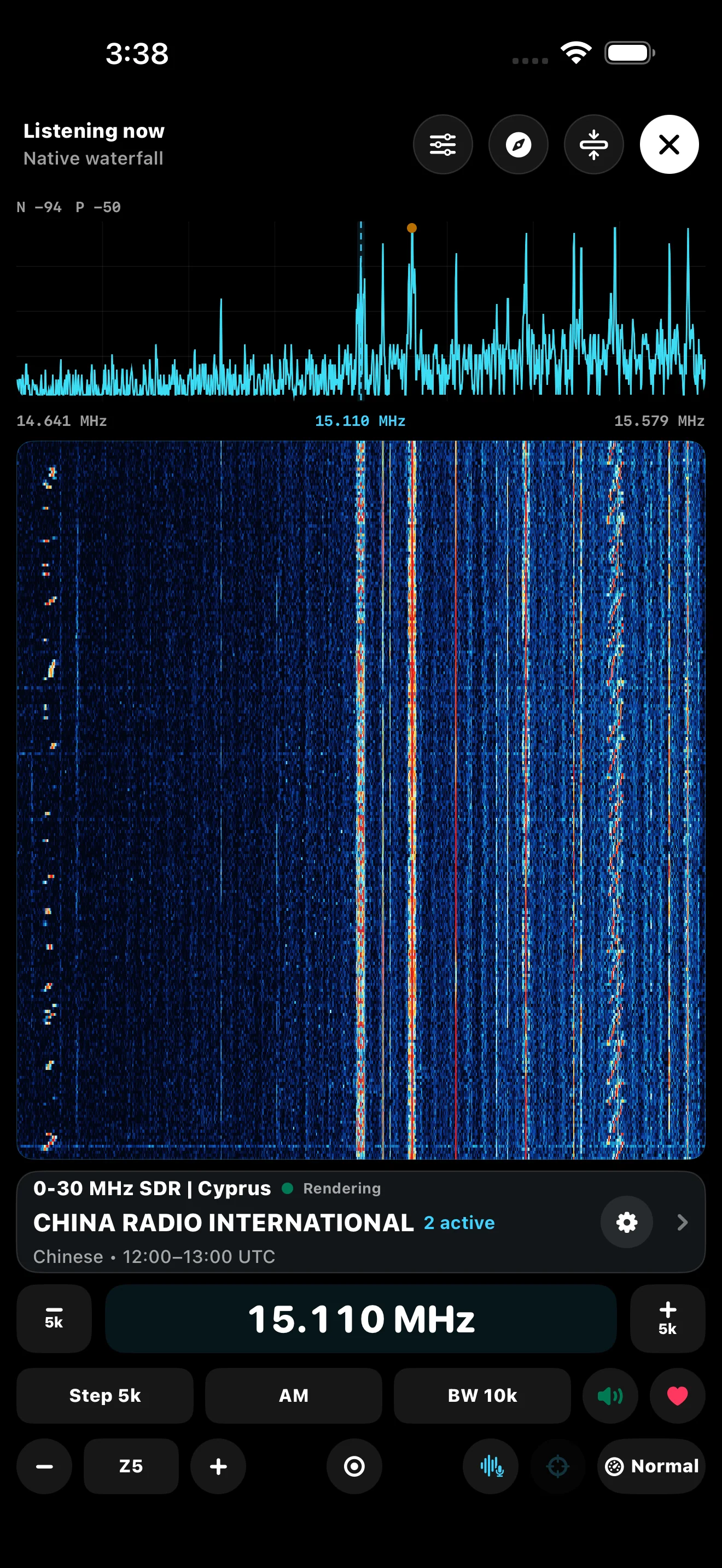 01 · Spectrum and waterfall
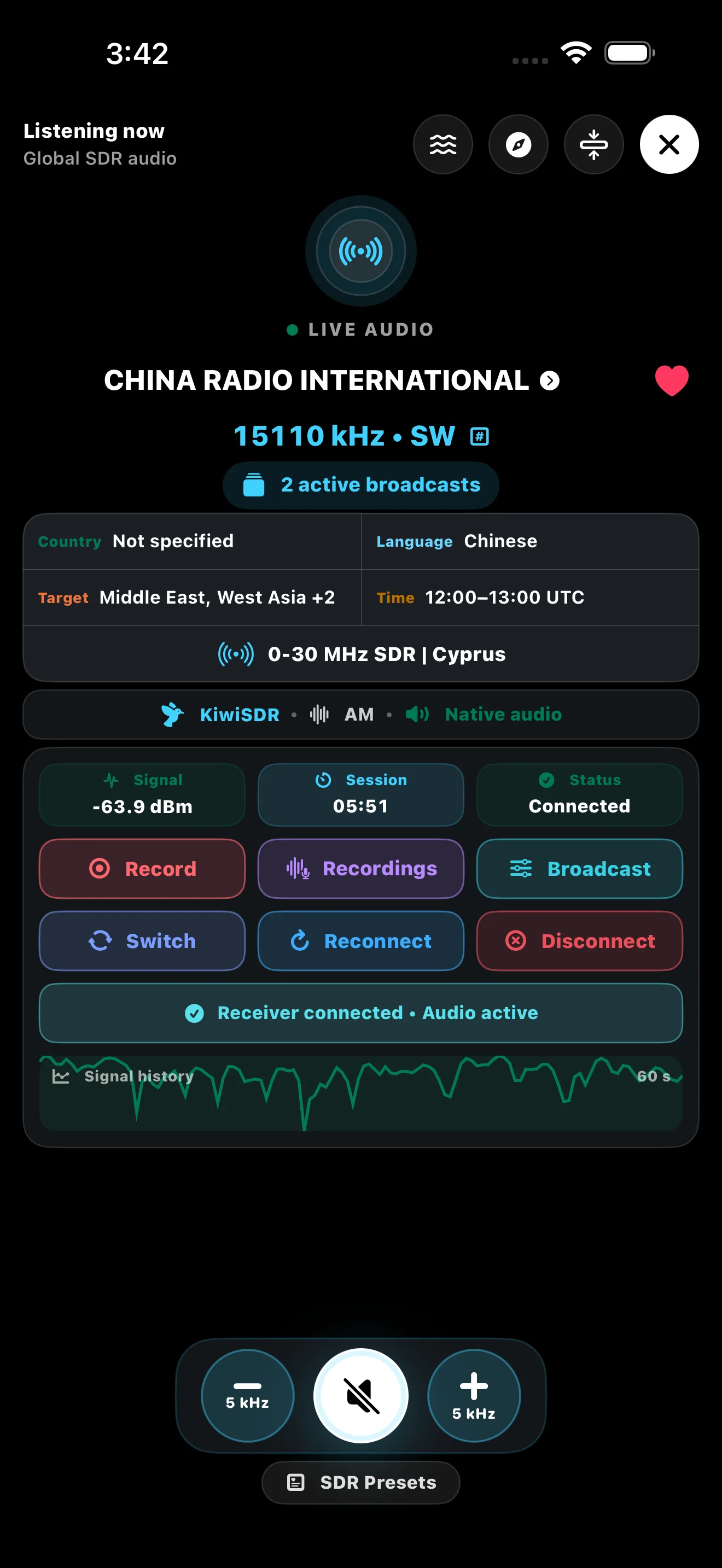 02 · Listening console
The deeper pages explain each area in full. The home page keeps the complete product story visible without sending the reader back to the same location.
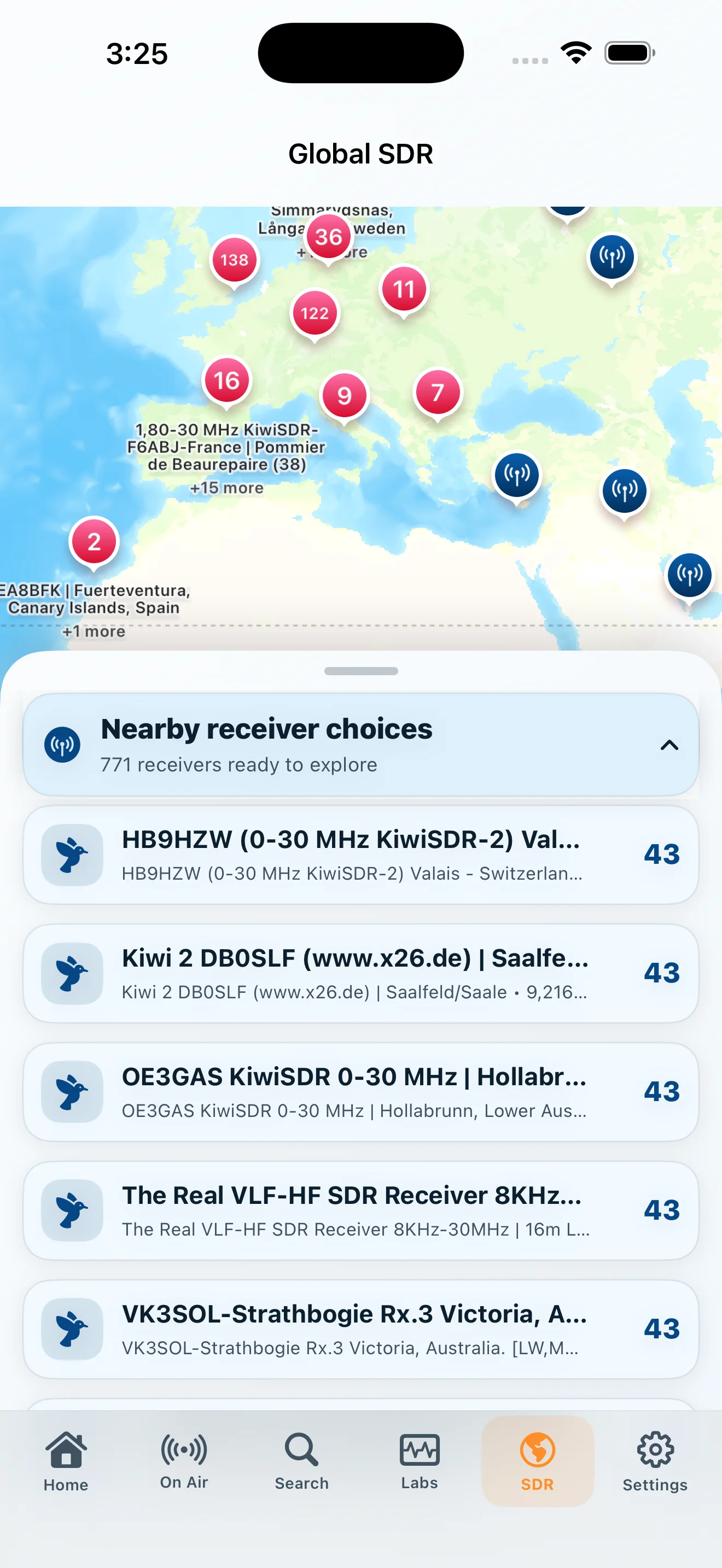 Global SDR
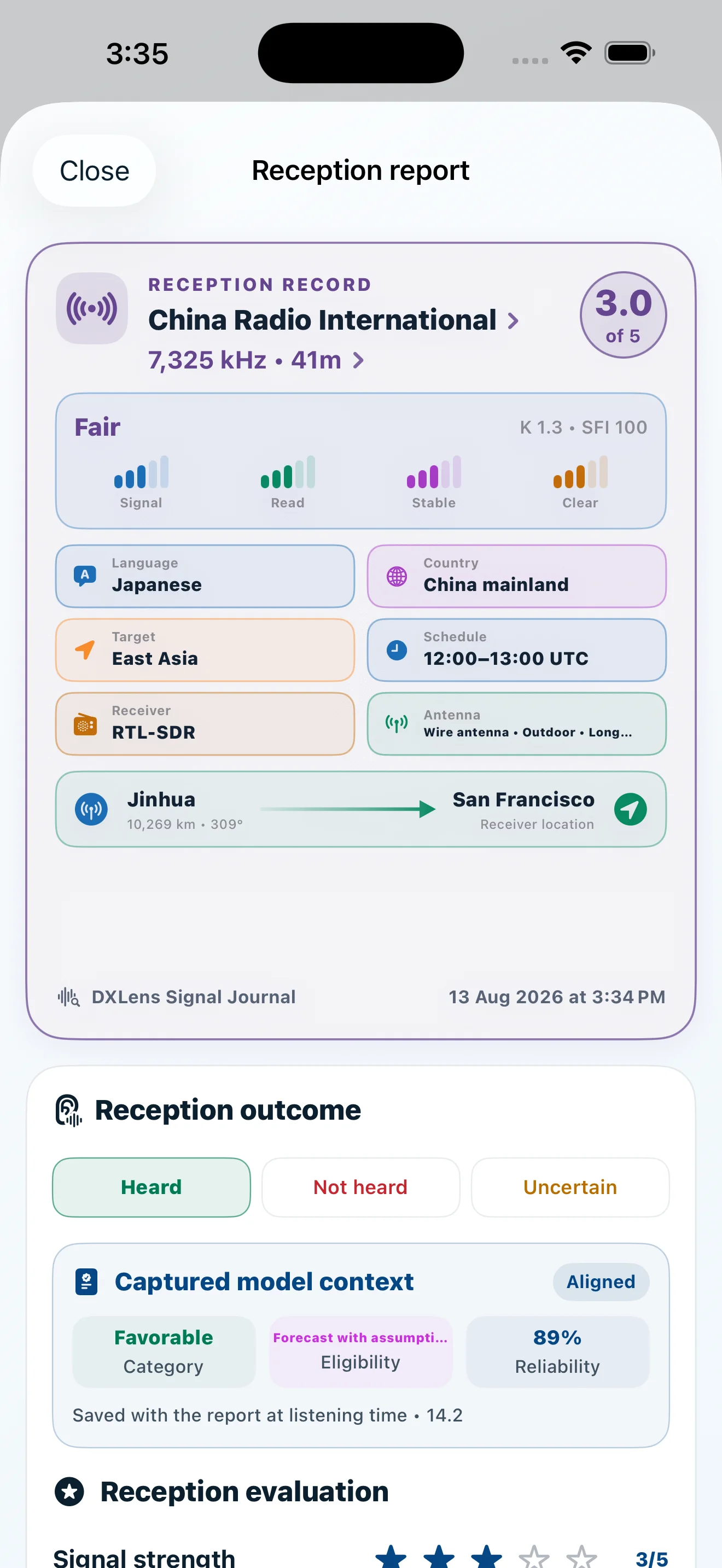 Reception Report