DX
DXThe complete product
One app, from published schedule to listening session.
Explore the actual DXLens workflows through real product screens, precise explanations, and clearly stated limits.
Schedule
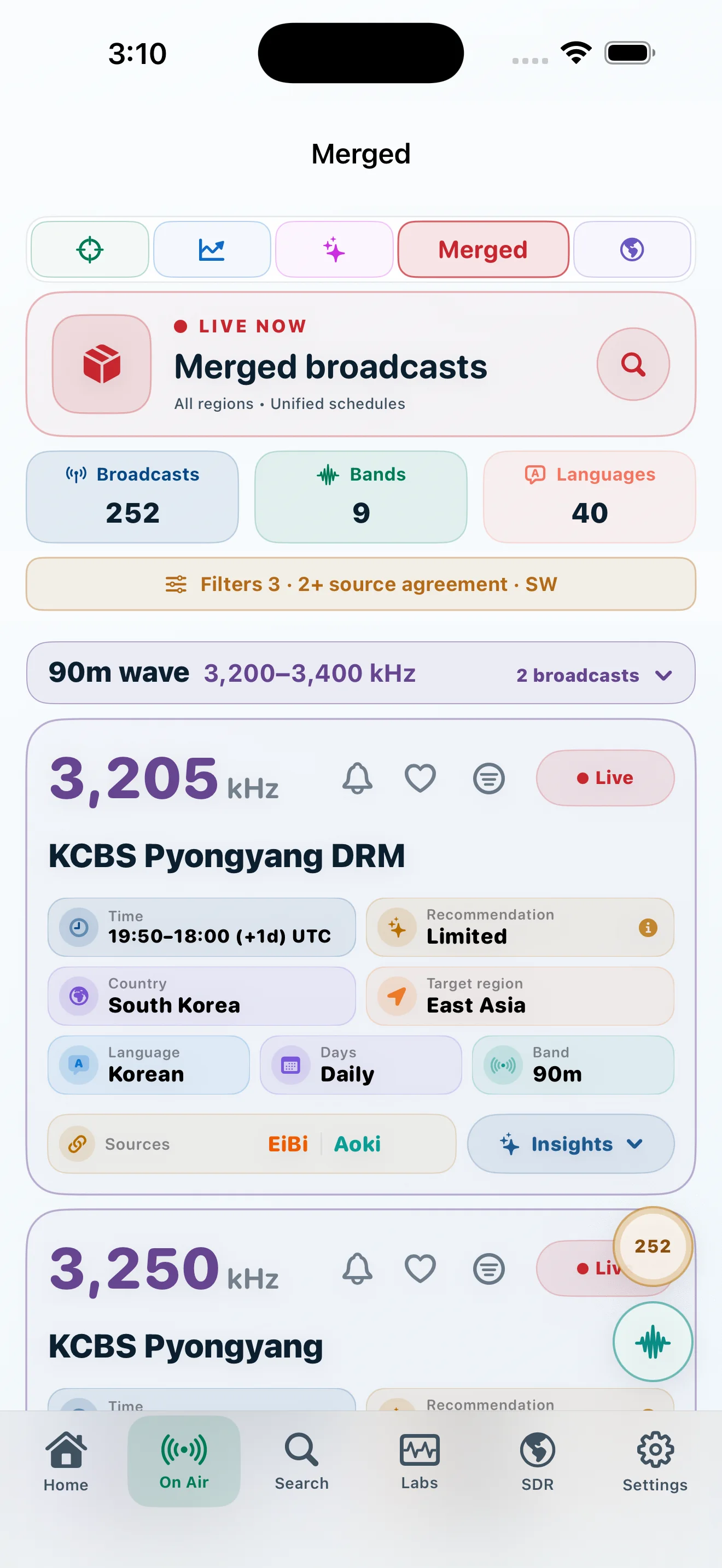
Merged schedule truth
Consolidate matching broadcasts while preserving named sources, technical differences, and source remarks.
- Unified display rows with source labels
- Agreement and conflict stay visible
- Live status remains a schedule-time statement
Discovery
Search and saved broadcasts
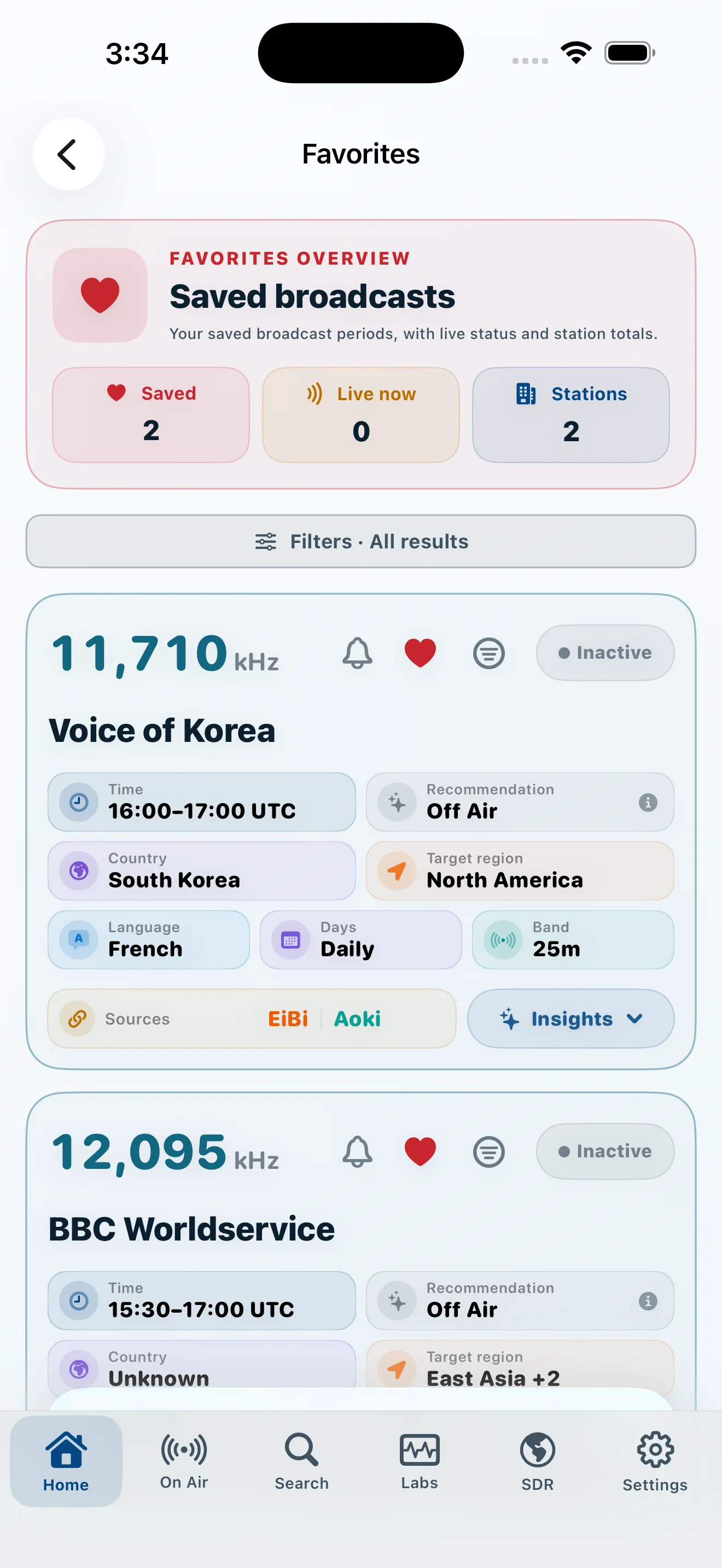
Move quickly by station, frequency, language, country, target, band, service, or source—and keep the items you want to revisit.
- Filters remain close to the results
- Saved, blocked, and hidden states are explicit
- Alert scopes can target a broadcast, station, or frequency
Evidence
Broadcast details that explain themselves
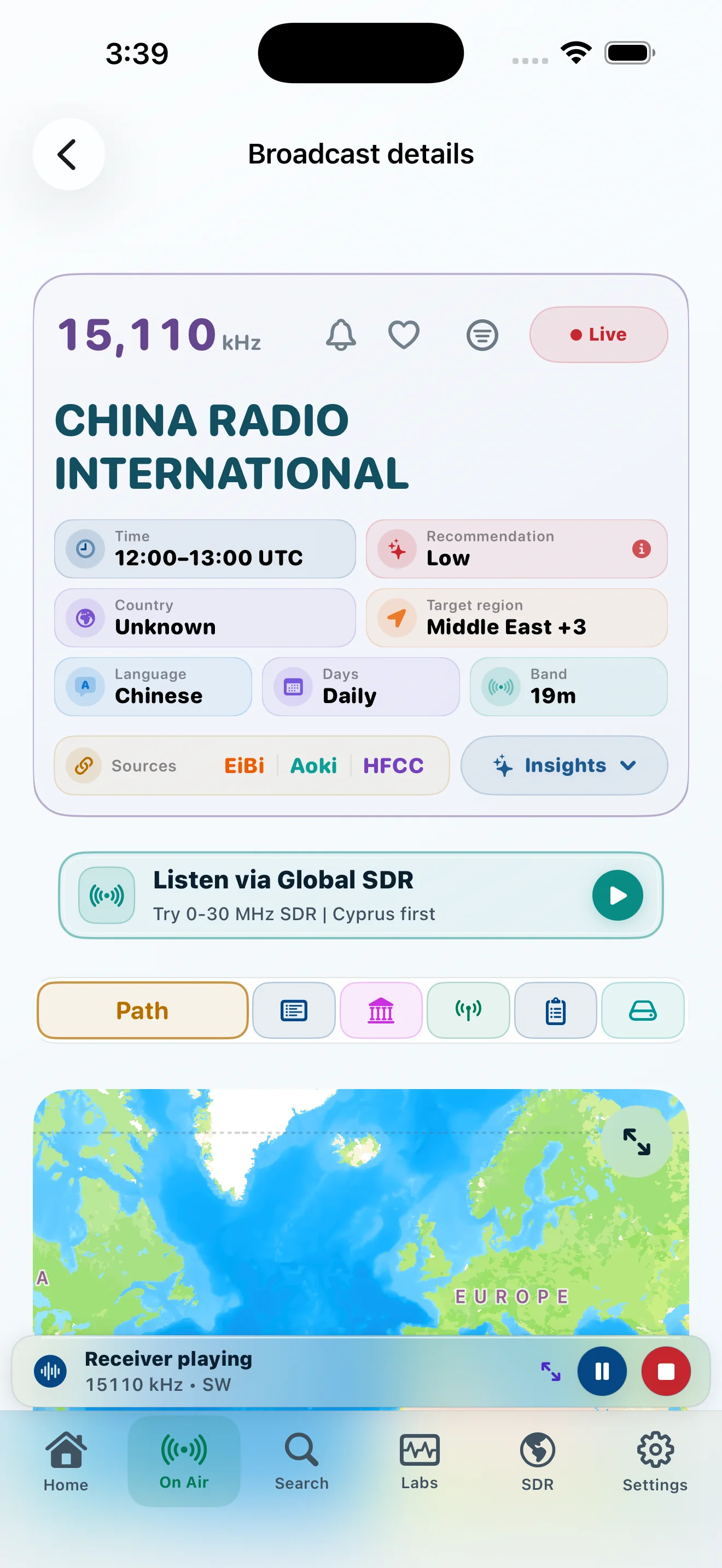
Read geometry, schedule, forecast, identity, method, assumptions, and source comparison in one inspectable workspace.
- Path, identity, forecast, method, and sources
- P.533 outputs remain separate dimensions
- Assumptions and technical-data confidence stay visible
Record
Reception reports built around what happened
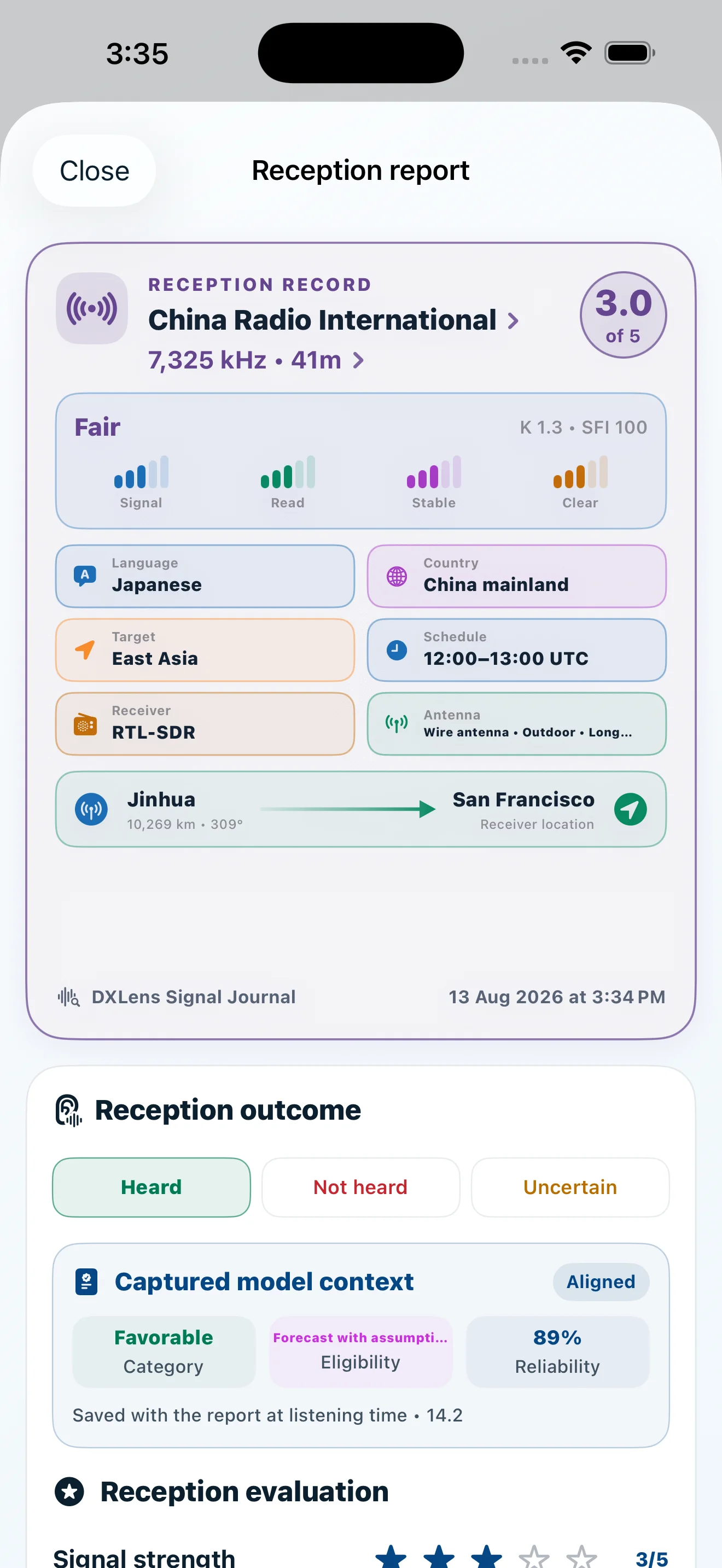
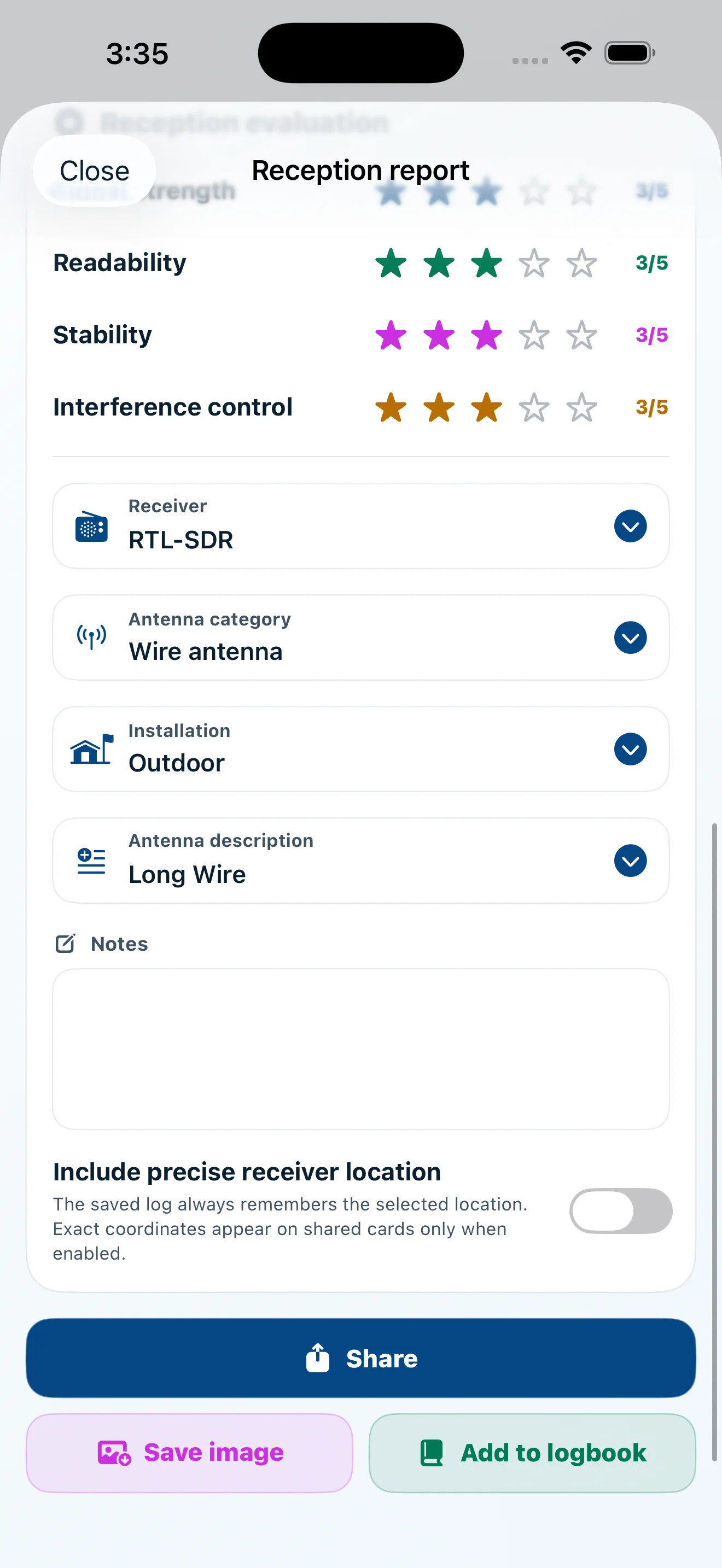
Capture heard, not heard, or uncertain outcomes with signal ratings, equipment, notes, model context, and optional location precision.
- Structured signal and readability ratings
- Receiver and antenna details
- Captured forecast context for later comparison
Keep exploring
The rest of the product is not buried below another repeated hero.
Ready to listen?
See the schedule. Understand the path. Hear the world.