DX
DX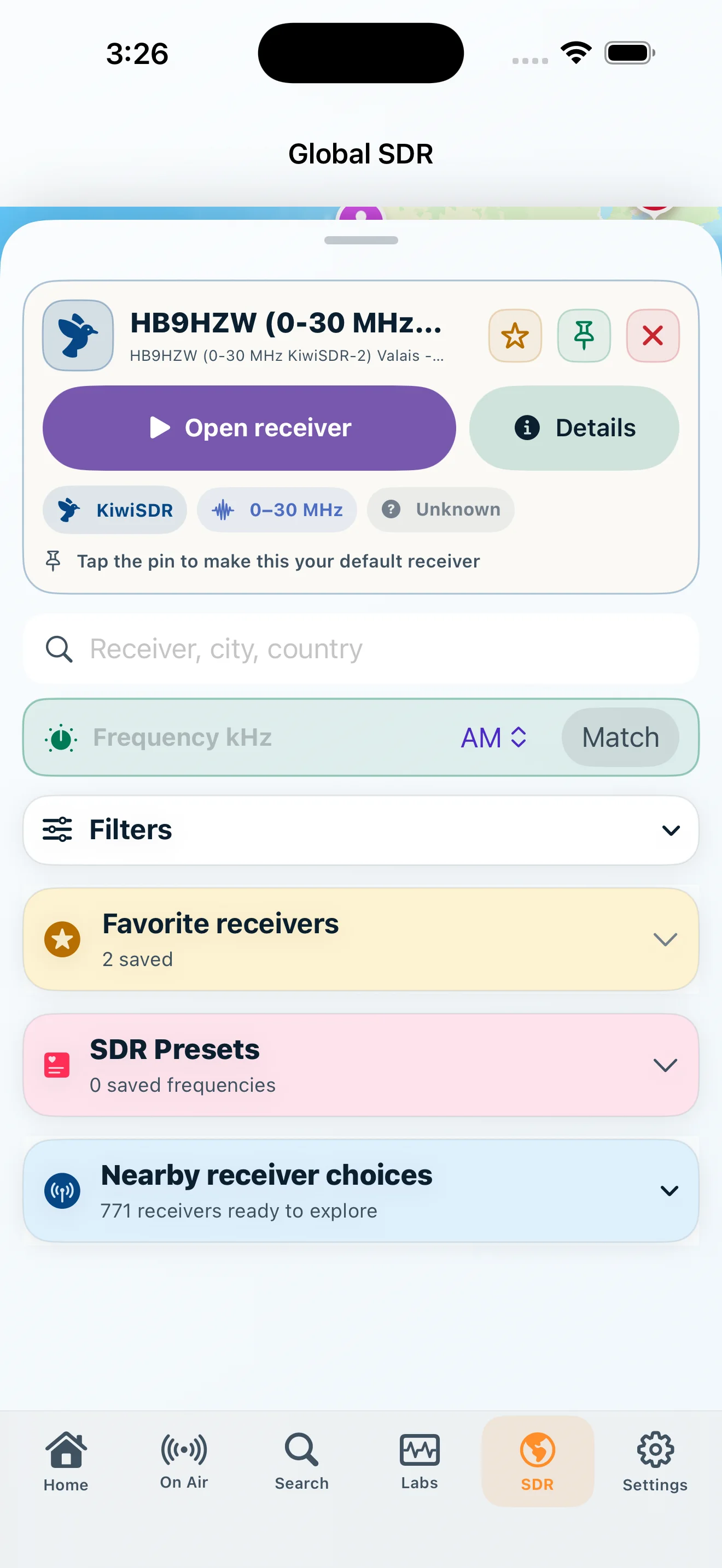
Choose
Use the public KiwiSDR directory or a saved personal RTL-TCP receiver that supports the requested frequency.
Choose a compatible public KiwiSDR or your own RTL-TCP receiver, then keep the listening session under control.
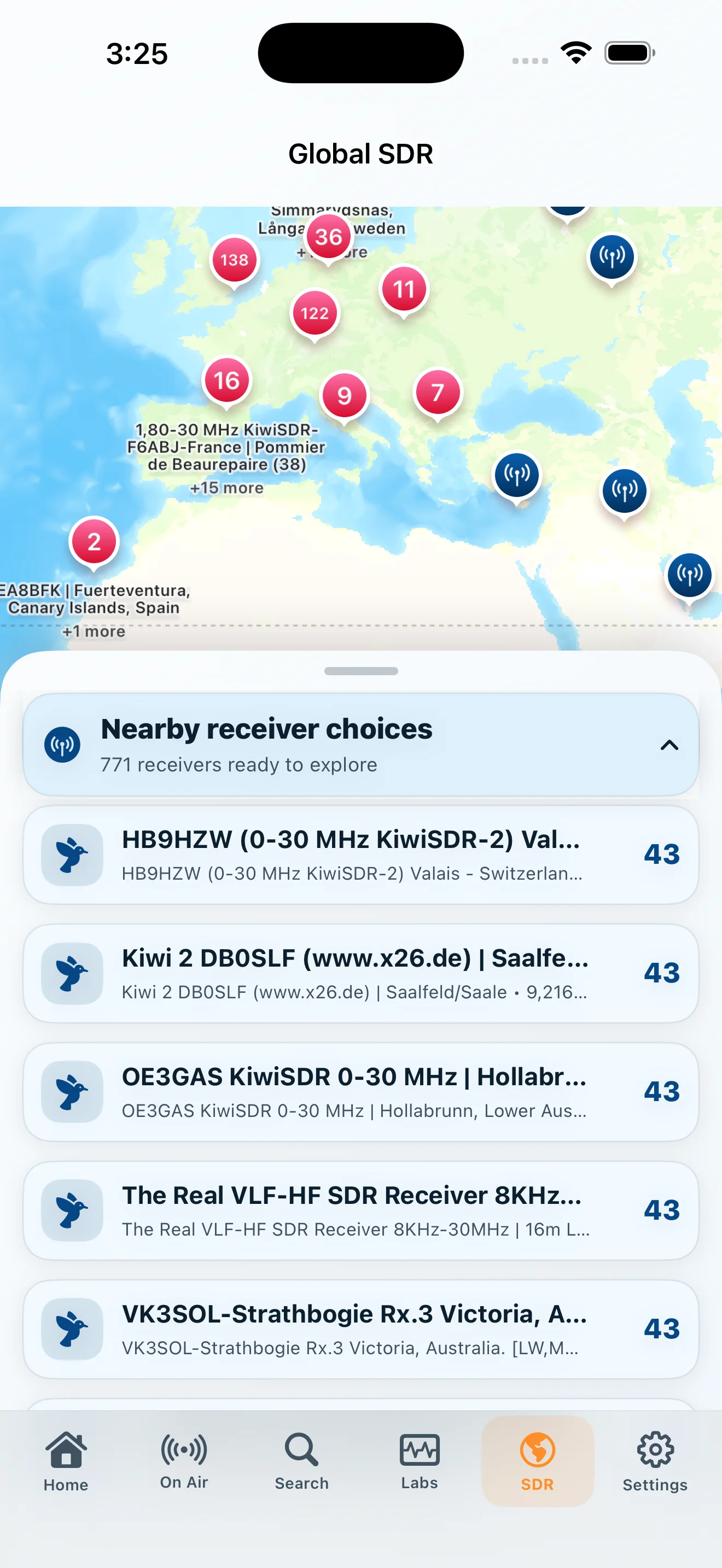
DXLens can continue to an independently operated public KiwiSDR or to a personal RTL-TCP receiver you configure in the app.
Use the public KiwiSDR directory or a saved personal RTL-TCP receiver that supports the requested frequency.
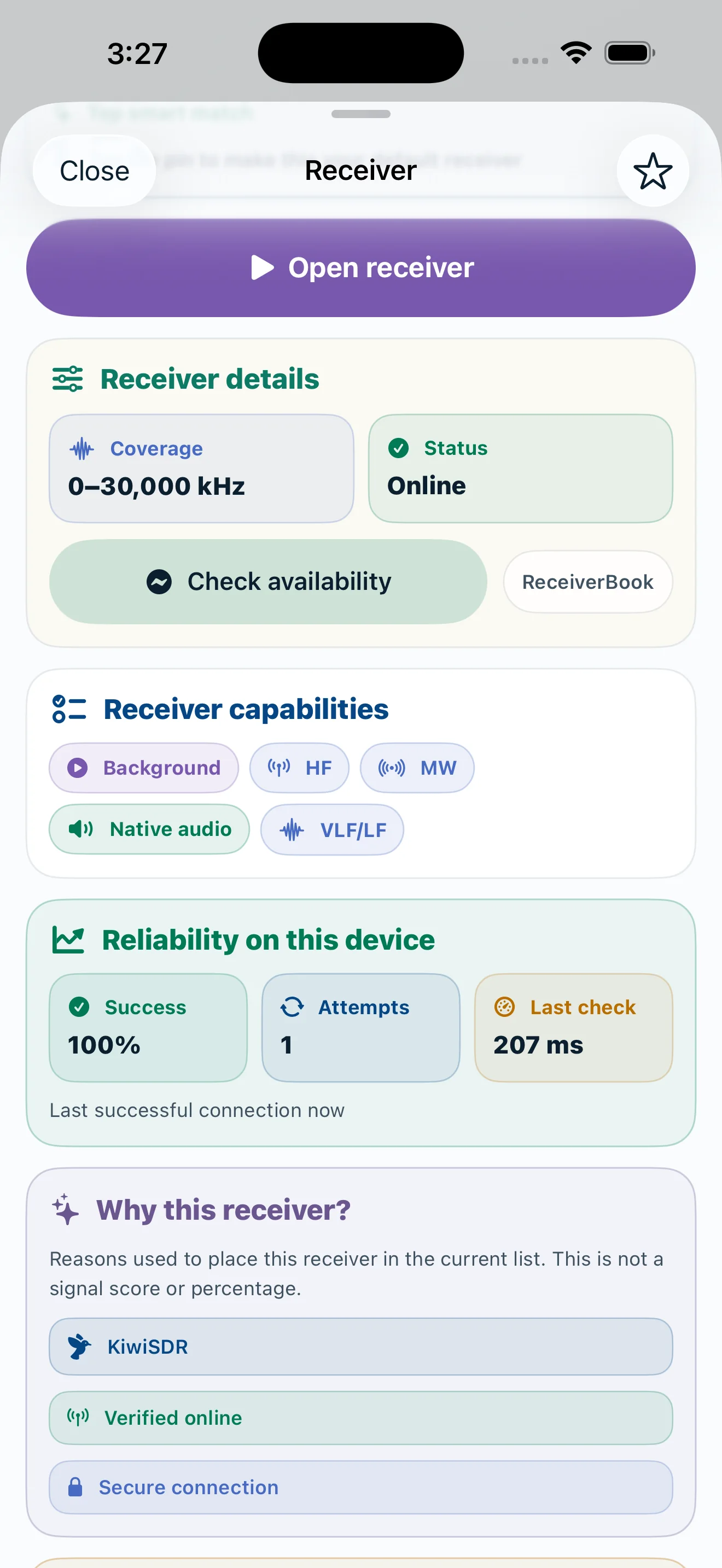
Public receivers expose coverage and availability. Personal RTL-TCP receivers keep host, performance, and HF-profile settings on your device.
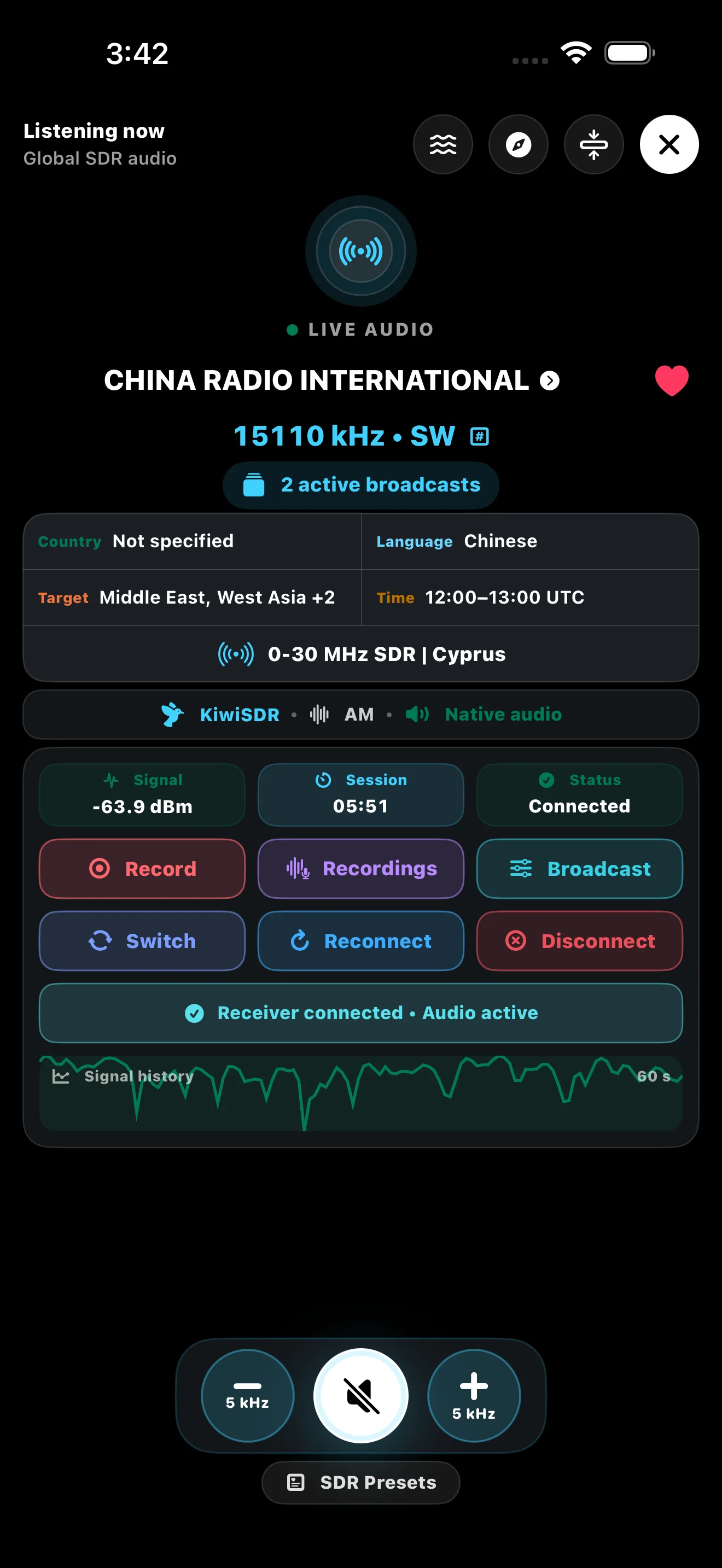
Keep the broadcast, receiver, recording, tuning, and connection state together in the DXLens player.
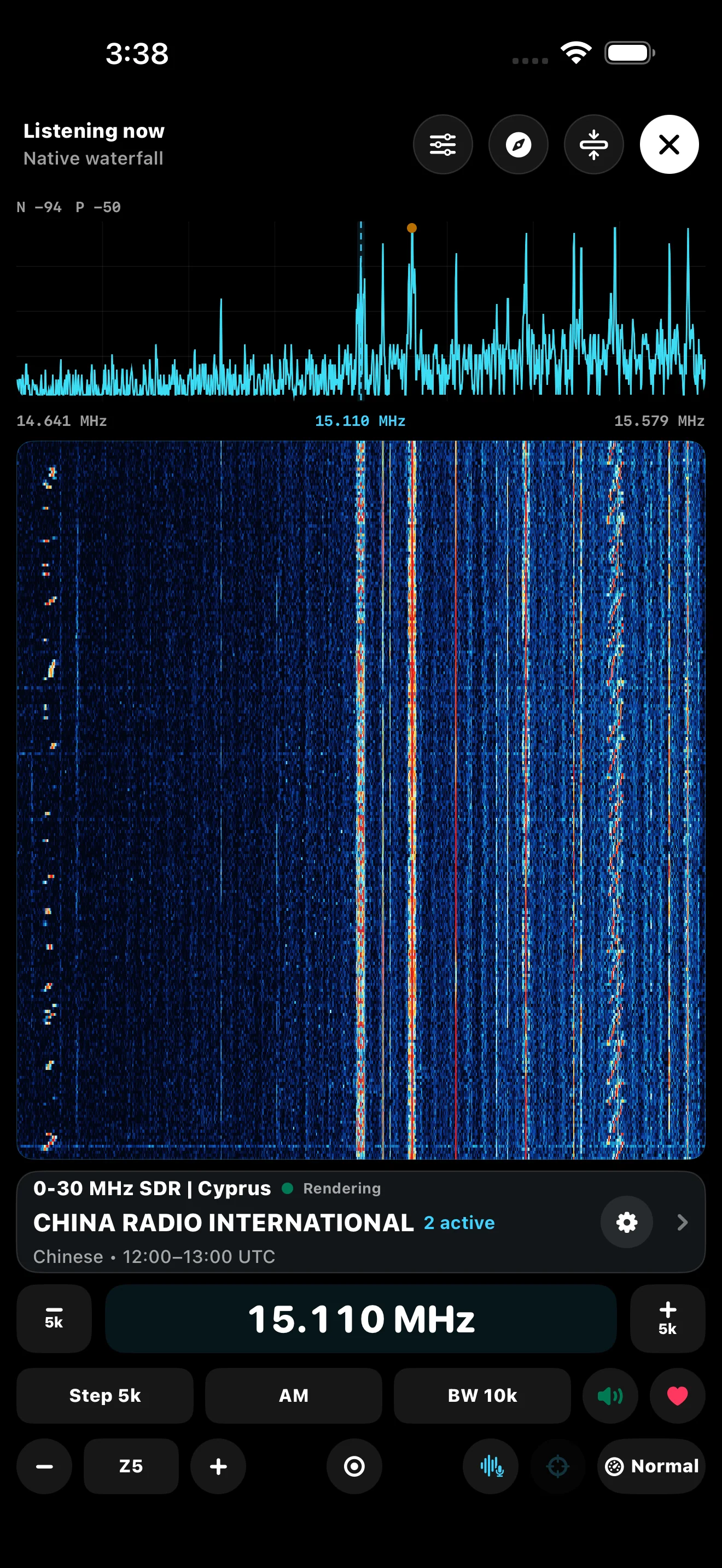
Use shared Step, Mode, and bandwidth controls, remembered tuning preferences, Smart Auto mode, and the native spectrum/waterfall without returning to the schedule.
On first use, Listen via SDR offers a clear choice between a compatible public KiwiSDR and My RTL-SDR. Kiwi can open the compatible receiver chooser without a preselected receiver; My RTL guides you to add the host and port and verify that the server returns the RTL-TCP RTL0 handshake before listening. The pending broadcast frequency stays attached to that setup flow.
KiwiSDR keeps its public receiver workflow. RTL-TCP uses a local I/Q audio and spectrum path in DXLens, now with higher-resolution 8K/16K FFT processing and no receiver website required.
Public KiwiSDR receivers are independently operated and can change capacity, policies, or availability. Personal RTL-TCP connects directly to the host you configure; use a trusted local network or a protected private-network path rather than exposing a raw RTL-TCP port unnecessarily.